- How to get a Steam Web API Key?
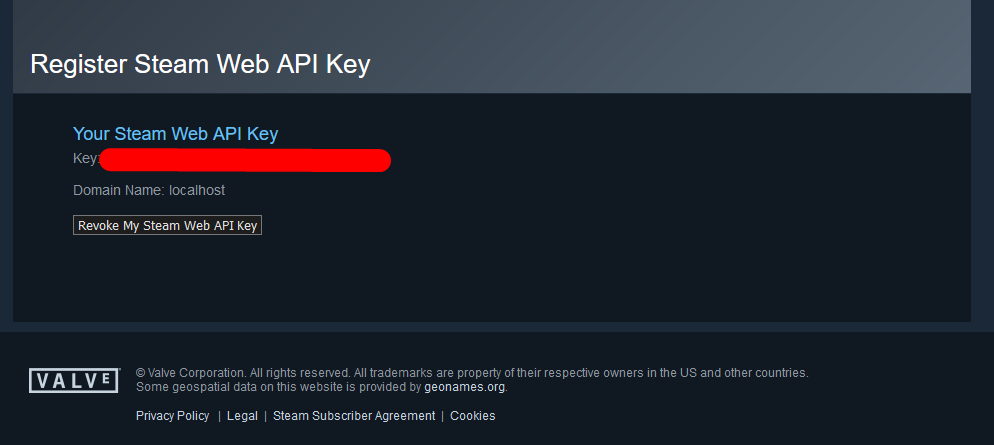
Go to the link https://steamcommunity.com/dev/apikey/
Enter the domain: localhost
Put a tick. We get the Steam Web API key (do not show it to anyone and do not leave it in the repository).

- How to find out your unique Steam ID.
- Create integrations with the Notion API(do not show it to anyone and do not leave it in the repository)
- Connecting the database in Notion
Next, your task is to go to the Notion page and add access to it. This is done quite simply:
We go to the database page. Important: it must be exactly Database - full page
In the upper right corner there will be ... you need to click on them and go to the "Add connections" section.
 Then we add our token.
It is important to note that the token is bound not only to the datebase itself, but also to all child pages of this datebase.
After that, we need to copy our database page code.
We go to the page url and copy everything after https://www.notion.so/ and before ?v. This is the code for our Database.

-
Notifications
You must be signed in to change notification settings - Fork 0
AleksandrPidlozhevich/Notion-Steam
Folders and files
| Name | Name | Last commit message | Last commit date | |
|---|---|---|---|---|
Repository files navigation
About
transfer all games from steam to notion
Resources
Stars
Watchers
Forks
Releases
No releases published
Packages 0
No packages published