This project was bootstrapped with Create React App.
Product Filters: Filter products based on price, category, and Bluetooth version. View Details Page: See detailed information about selected products. View All Listings Page: Browse products with clear and organized card designs. Responsive Design: Optimized for mobile and desktop views. Dynamic API Integration: Products are fetched dynamically from the backend. Available Scripts In the project directory, you can run:
Runs the app in the development mode. Open https://meraken-assignment-ten.vercel.app/ to view it in your browser.
The page will reload if you make edits. You may also see any lint errors in the console.
Launches the test runner in the interactive watch mode. See the section about running tests for more information.
Builds the app for production to the build folder. It correctly bundles React in production mode and optimizes the build for the best performance.
The build is minified and the filenames include the hashes. Your app is ready to be deployed!
See the section about deployment for more information.
Note: this is a one-way operation. Once you eject, you can't go back!
If you aren’t satisfied with the build tool and configuration choices, you can eject at any time. This command will remove the single build dependency from your project.
Instead, it will copy all the configuration files and the transitive dependencies (Webpack, Babel, ESLint, etc.) right into your project so you have full control over them.
All of the commands except eject will still work, but they will point to the copied scripts so you can tweak them.
State Management for Filters: Managing multiple filters dynamically and ensuring a smooth user experience was tricky. Solution: Used React's useState and useEffect hooks and modularized the filter logic for better maintainability.
API Integration: Handling dynamic responses from the backend API, especially when some fields were optional or undefined. Solution: Added validations and fallback logic to handle missing or inconsistent data.
Styling for Responsiveness: Designing a UI that works seamlessly across devices while using Tailwind CSS. Solution: Tested rigorously on various screen sizes and used Tailwind's responsive utilities effectively. Data Fetching and Performance:
Optimizing API calls and ensuring filters update without causing excessive re-renders. Solution: Batched state updates and memoized expensive computations.
Debugging Dynamic Filters: Debugging why certain filters (e.g., price range) were not working as expected. Solution: Logged intermediate filter states and used test cases to identify edge cases. Deployment Issues on Vercel:
Initially faced issues with routing when deployed to Vercel. Solution: Configured Vercel settings to handle React routing properly by adding a _redirects file.
Deployment This application is deployed on Vercel. You can access it live at: https://meraken-assignment-ten.vercel.app/
Run npm run build to generate the production-ready build files.
Sign Up/Log In to Vercel: Create an account on Vercel if you don’t already have one.
Connect Git Repository: Link your GitHub repository to Vercel for seamless deployment.
Configure Project: Select the appropriate project settings (e.g., root directory) during setup.
Deploy: Click Deploy and wait for the build to complete. Your app will be live shortly.
Handle React Routes: To ensure React routing works on Vercel, add a _redirects file in the public folder with the following content:
Monitor and Update: Use Vercel’s dashboard to monitor deployments and easily push updates via Git.
Enhanced Filters: Added advanced filters like Bluetooth version to cater to specific product categories. Improved UX: Designed an intuitive UI with easy-to-use controls for filtering products. Optimized Performance: Minimized API calls and used efficient rendering techniques to improve load times.
React.js: Frontend framework
Axios: For API calls
Tailwind CSS: Styling and responsive design
Node.js: Backend server (separate setup)
MongoDB: Database for storing product data
Vercel: Deployment platform
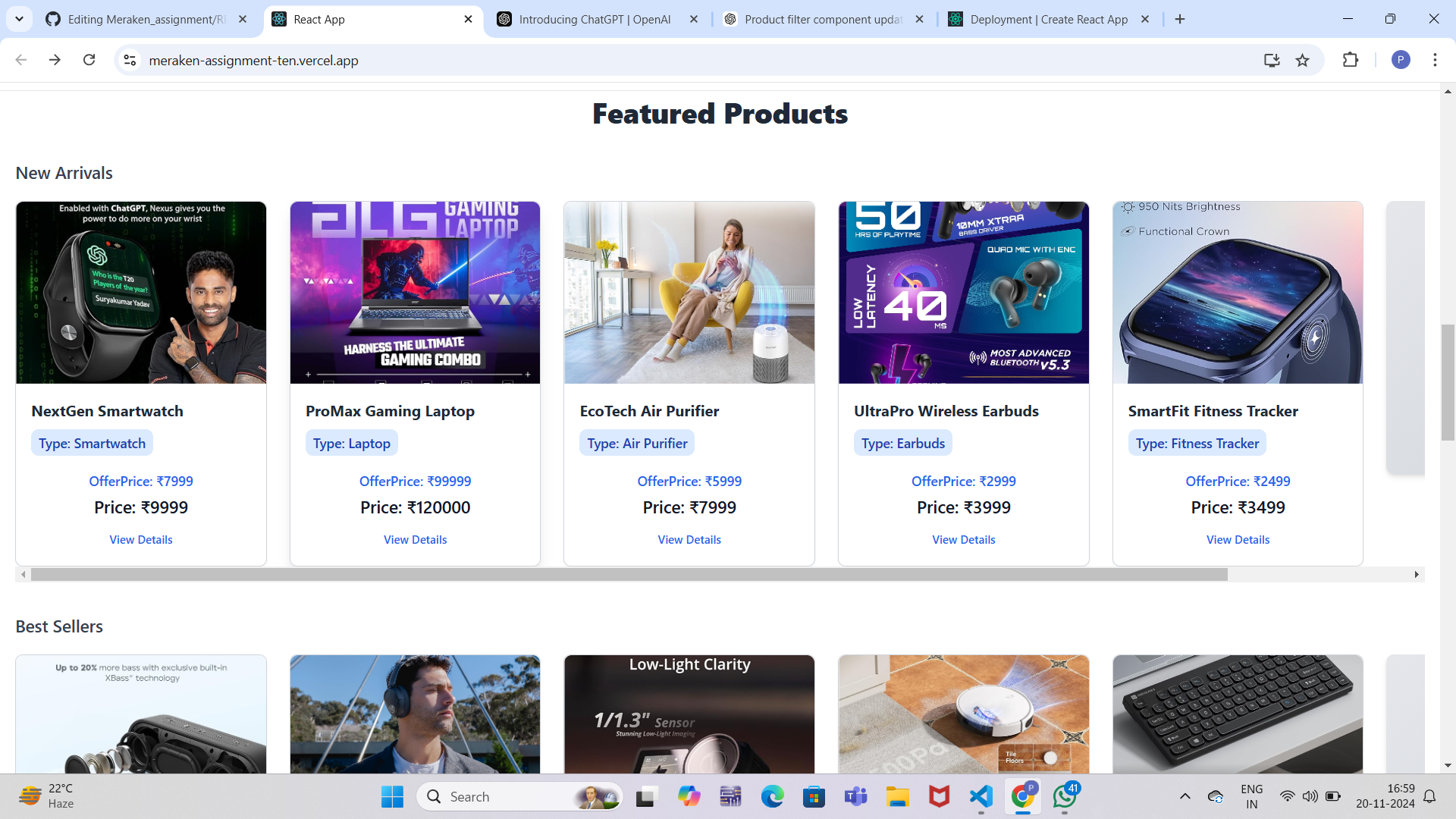
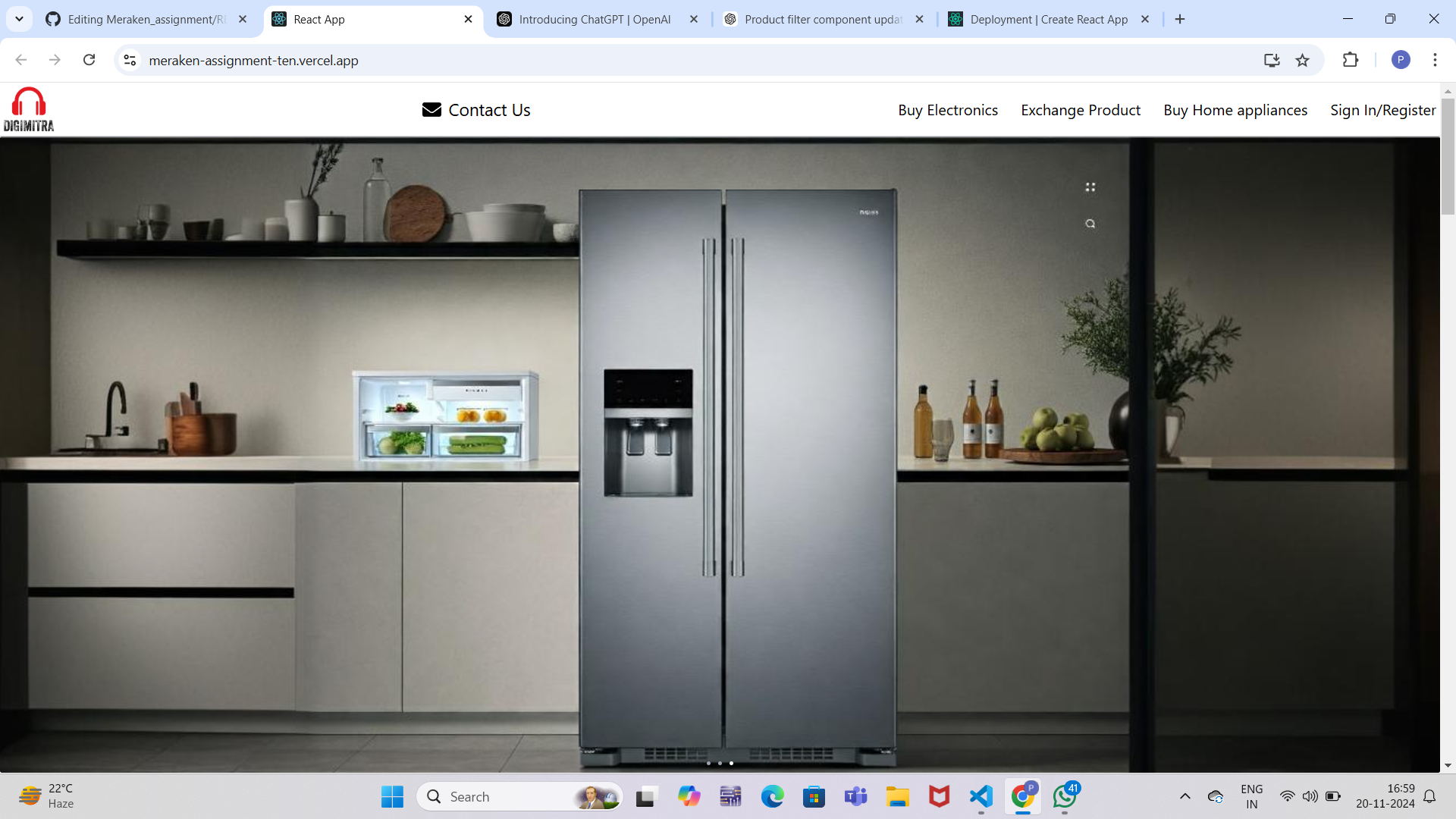
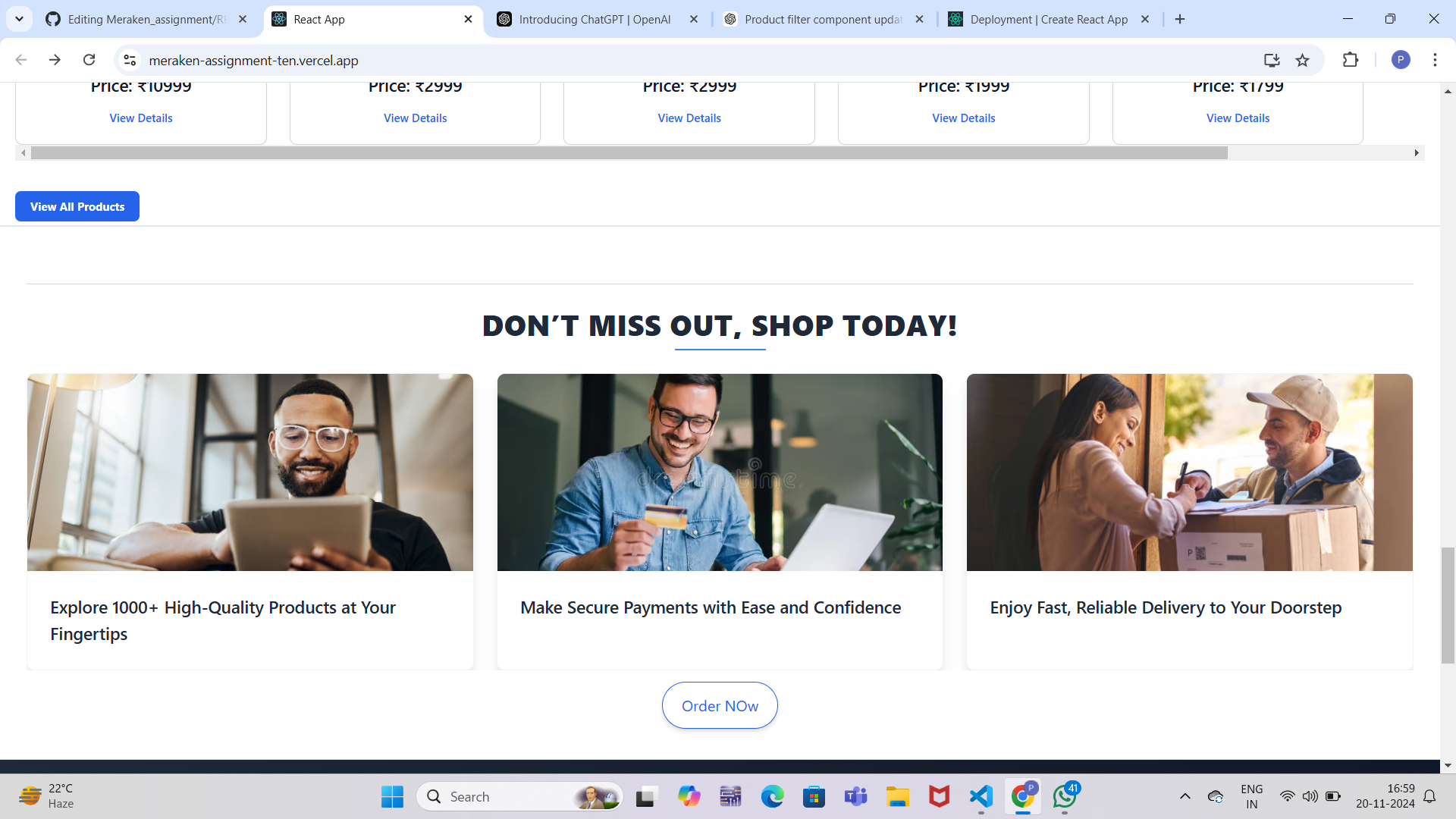
Home Page https://res.cloudinary.com/dztz5ltuq/image/upload/v1732102342/Screenshot_2006_ktrudy.png https://res.cloudinary.com/dztz5ltuq/image/upload/v1732102342/Screenshot_2010_bq16p5.png
Product Filters https://res.cloudinary.com/dztz5ltuq/image/upload/v1732102341/Screenshot_2007_yhd0g4.png
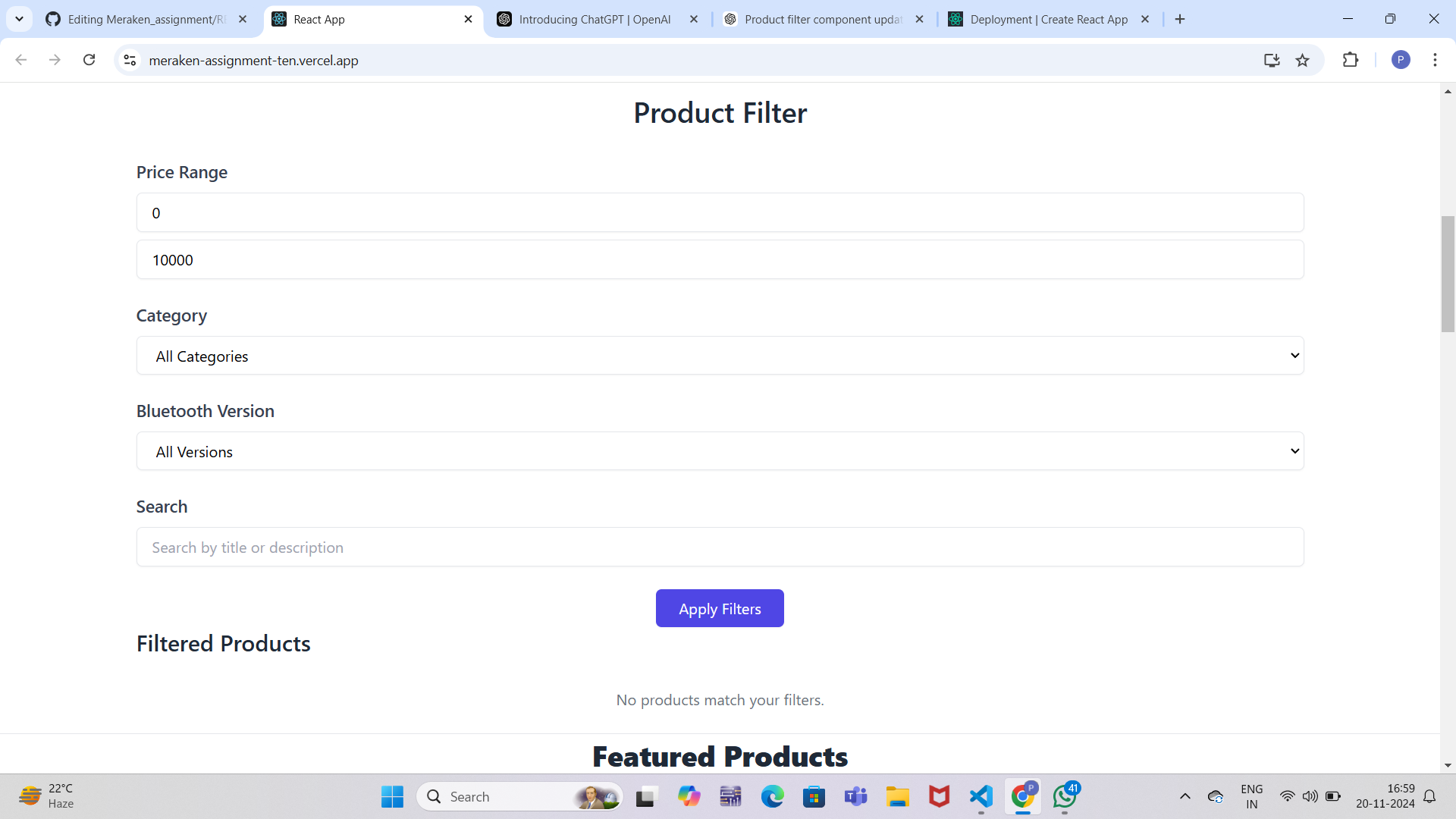
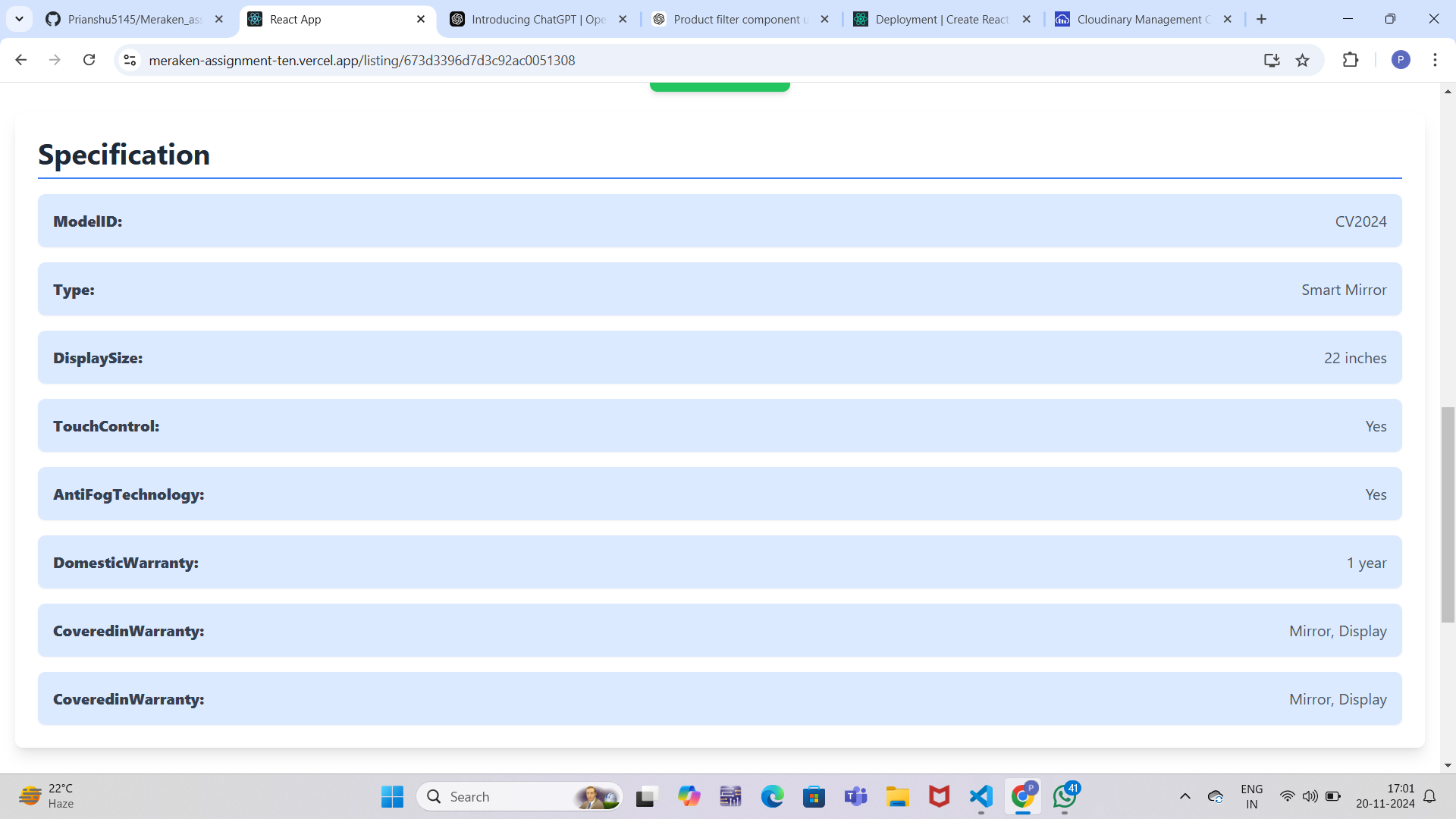
View Details https://res.cloudinary.com/dztz5ltuq/image/upload/v1732102342/Screenshot_2009_v0gkp0.png https://res.cloudinary.com/dztz5ltuq/image/upload/v1732102342/Screenshot_2012_n1ynbw.png