GameBoy (Color) emulator.
Emulation still has a few quirks (see issues), but compatibility is pretty good. This was developed as a side project and is by no means finished or polished.
A web version compiled to javascript via emscripten is available at http://senryoku.github.io/SenBoyWeb/.
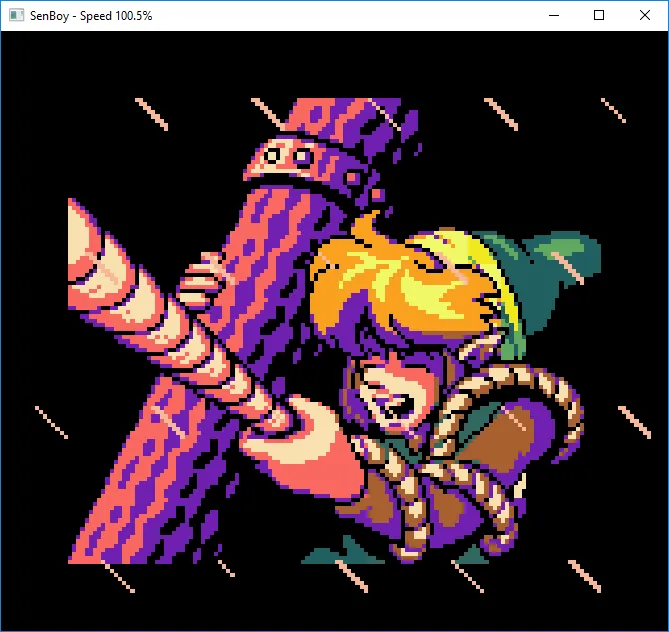

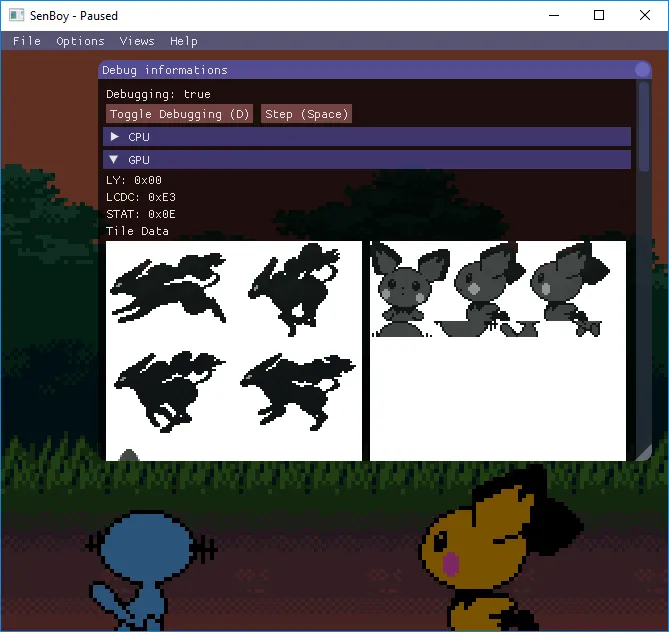
You will need a fairly recent compiler, meaning with C++14 and std::experimental::filesystem support. Compilation is manually being tested on Windows (MinGW) with g++ 6.1.0, but Linux with g++5 or more should be fine (see Travis CI). I have no way to test OSX, so if you know how to setup a OSX compiler fulfilling these constraints on Travis, please tell me!
You will need CMake and a copy of SFML 2.X (see Dependencies). On Windows, or if you used a non standard install path, you may want to set the CMake variables CMAKE_PREFIX_PATH to where are stored the SFML libraries and SFML_INCLUDE_DIR to the folder containing the SFML headers (using cmake-gui or the command line). Once this done, this should be enough:
cmake .
make
SenBoy now have a basic GUI! Yay! Bring it up (or hide it) by pressing Escape or Enter.
You can also pass a rom path via the command line to run it :
./SenBoy path/to/the/rom [options]
| Option | Effect |
|---|---|
| -d | Start in debug mode |
| -b | Skip Boot ROM |
| -s | Disable sound |
| --dmg | Force execution in original GameBoy mode |
| --cgb | Force execution in GameBoy Color mode |
Controls uses any connected Joystick, or the keyboard. There is no way to configure it ! Values are hard coded to match a Xbox360/XboxOne controller and the keyboard uses the following mapping:
| Gameboy Button | Keyboard Key |
|---|---|
| A | F |
| B | G |
| Select | H |
| Start | J |
| Up | Up Arrow |
| Down | Down Arrow |
| Left | Left Arrow |
| Right | Right Arrow |
| Turbo A | V, X on Gamepad |
| Turbo B | B, Y on Gamepad |
When SenBoy is running, the following shortcuts are available:
| Key | Action |
|---|---|
| Escape/Enter | Show/Hide GUI |
| Backspace | Reset |
| Space | Advance one instruction (in debug) |
| M | Toggle Real Speed |
| RB (Joystick) | Unlock framerate (hold) |
| D | Toggle Debugging (Halt Execution) |
| L | Advance one frame |
| N | Clear all breakpoints |
| P | Toggle Post-process (nothing) |
| NumPad + | Volume Up |
| NumPad - | Volume Down |
| Alt+Enter | Toggle Fullscreen |
| Ctrl+S | Save (saves RAM to disk) |
| Ctrl+Q | Quit |
- Joypad interrupts: These are rarely used so I pretty much forgot to fix my implementation. What games uses them?
- Gameboy Color Mode
- DMG Games in CGB mode (Correct compatibility mode; some sprites disappears)
- Application debugging (See Issues)
- (Other Mappers? What popular games uses other mappers than MBC1/3/5?)
- (Constant coding style...)
Blargg's cpu_instrs individual tests:
| Test | Status |
|---|---|
| 01-special | ✅ PASS |
| 02-interrupts | ✅ PASS |
| 03-op sp,hl | ✅ PASS |
| 04-op r,imm | ✅ PASS |
| 05-op rp | ✅ PASS |
| 06-ld r,r | ✅ PASS |
| 07-jr,jp,call,ret,rst | ✅ PASS |
| 08-misc instrs | ✅ PASS |
| 09-op r,r | ✅ PASS |
| 10-bit ops | ✅ PASS |
| 11-op a,(hl) | ✅ PASS |
| instr_timing | ✅ PASS |
| 01-read_timing | ❌ FAIL |
| 02-write_timing | ❌ FAIL |
| 03-modify_timing | ❌ FAIL |
| interrupt_time | ✅ PASS |
| halt_bug | ❌ FAIL |
SenBoy is NOT sub-instruction accurate.
- SFML 2.X for graphical output and input handling.
- Gb_Snd_Emu-0.1.4 for sound emulation (Included).
- dear imgui (Included)
- imgui-sfml (Included)
- http://gbdev.gg8.se/ for their awesome wiki.
- Shay 'Blargg' Green for his tests roms, his Gb_Snd_Emu library and all his contributions to the emulation scene!