
A small program for editing PAYDAY 3's audio files.



Converts the audio file to WAV, 16 bit signed little-endian using ffmpeg, then converts that WAV file to WEM using wwise_pd3, and then finally replaces the ubulk file with that WEM, and edits the uexp file to have the size value that's inside the json file (fixes corrupted, glitchy audio). The program will prompt you where you want to save converted files.
Also has the option to pack files for you using repak if you wish.
-
This tool requires
ffmpegto be installed on your system and added toPATH. You may install ffmpeg here. You can check it is installed correctly by opening command prompt and typingffmpeg -
This tool requires
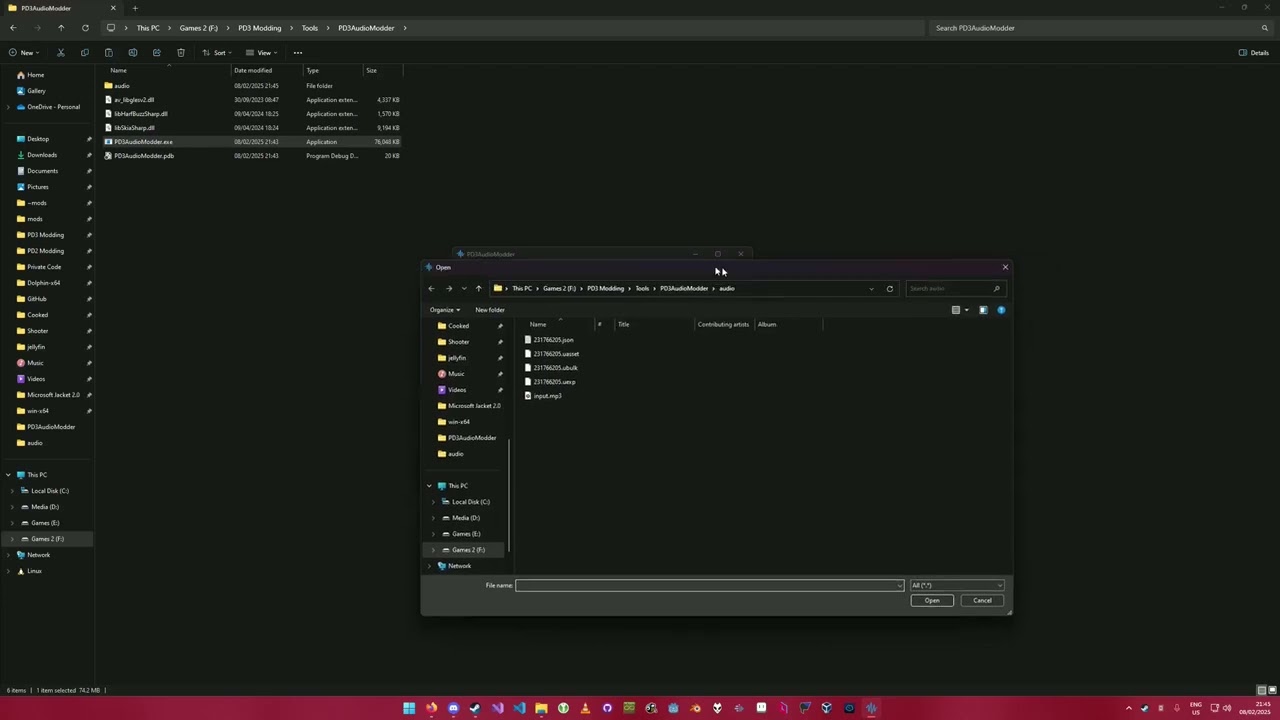
.json,.uasset,.uexp,.ubulkfiles + a(.wav/.mp3/.ogg/.flac/.aiff/.wma/.m4a/.aac/.opus)file for conversion. -
This tool requires repak.exe if you want to use the Pack Files tab.
You may find instructions on how to use the app by clicking on the "Help" button. Info inside this dialog will change depending what tab (single file, batch conversion) you are in.
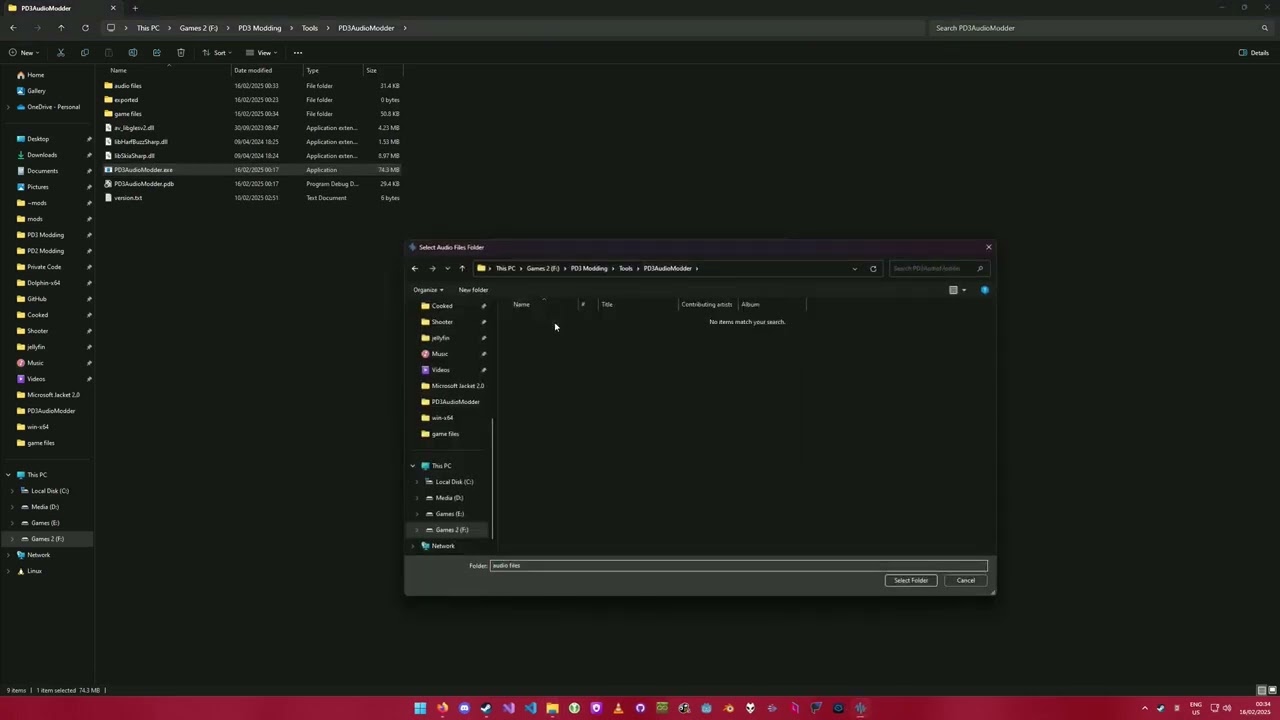
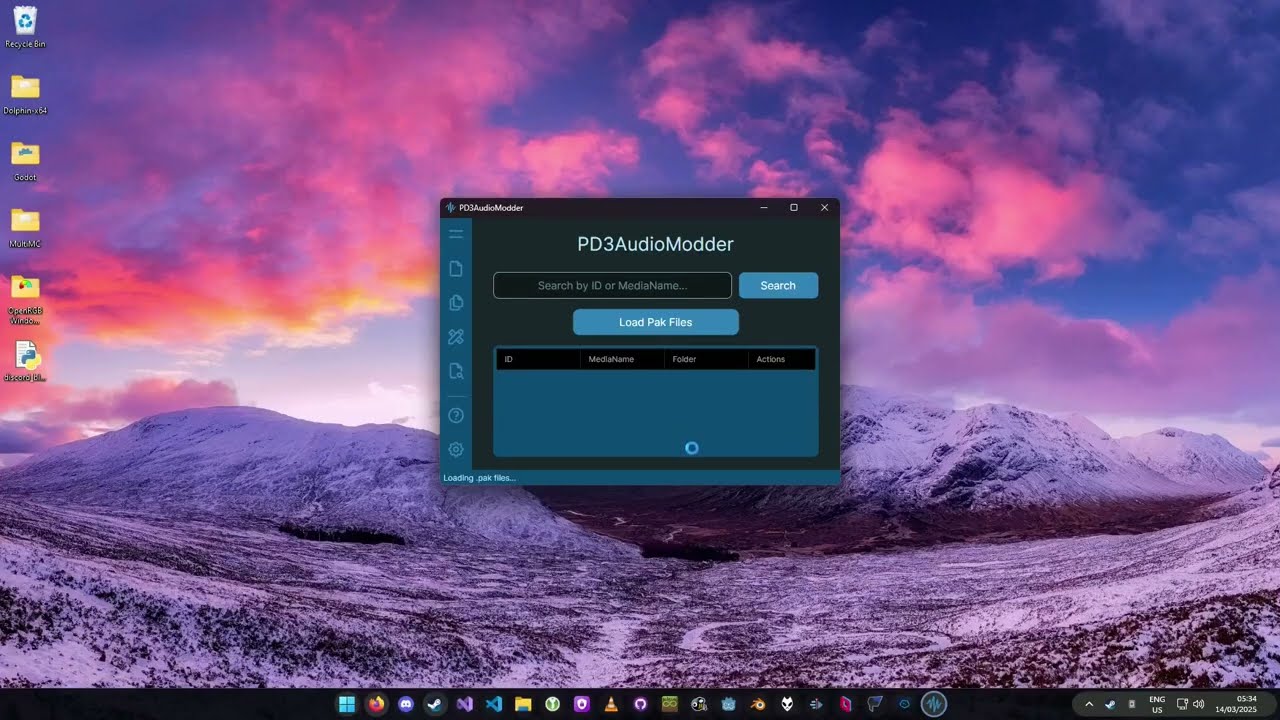
| Modding a single sound | Modding multiple sounds | Searching sound IDs |
|---|---|---|
 |
 |
 |
| Single File Mode | Batch Conversion Mode |
|---|---|
 |
 |
| Pack Files | Settings Window | Theme Editor |
|---|---|---|
 |
 |
 |

