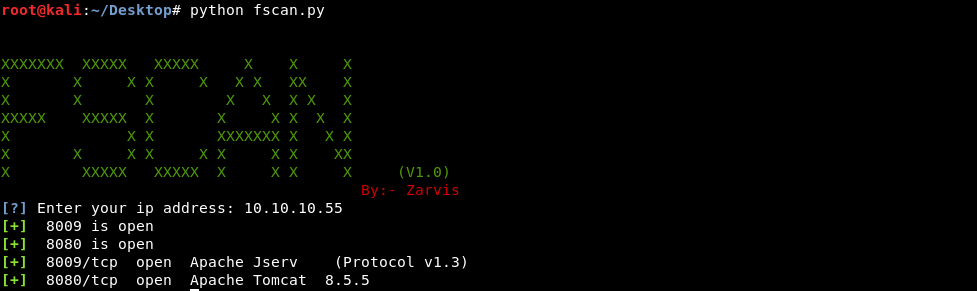
FSCAN is a multi-threaded PortScanner which uses python nmap library and multi-threading to perform the fast TCP scan. This is v1.0 and By default this scan only perform the Service Version detection.
Open your terminal and enter
git clone https://github.com/ZarvisD/fscan
Now enter the following command
cd fscan
Install the requirements using
pip install -r requirements.txt
Now, run the fscan by entering
python fscan.py
Just, enter the ip address and it will scan all the ports.