
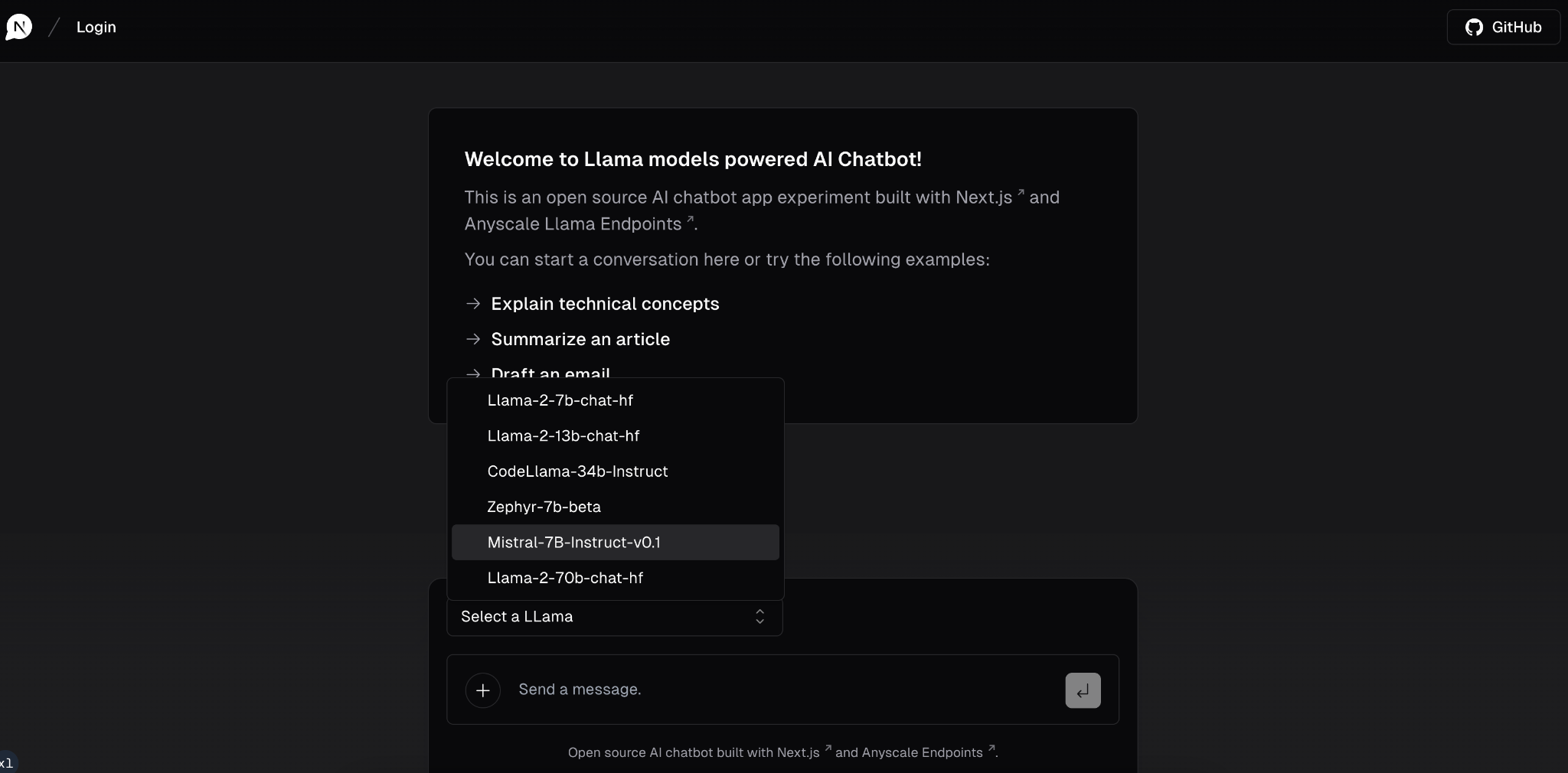
An open-source AI chatbot app experiment built with Next.js, the Vercel AI SDK and Anyscale Endpoints.
Features · Model Providers · Running locally · Authors
- Try Different Llama model variants in this chatbot
- Anyscale Endpoints for various Llama models to try out.
- Next.js App Router
- React Server Components (RSCs), Suspense, and Server Actions
- Vercel AI SDK for streaming chat UI
- shadcn/ui
- Styling with Tailwind CSS
- Radix UI for headless component primitives
- Icons from Phosphor Icons
This experiment ships with Llama models. Thanks to the Anyscale Endpoints, you can choose any of the available Llama models.
This whole project is based off of the Next.js AI chatbot template
You will need to use the environment variables defined in .env.example to run Next.js AI Chatbot. It's recommended you use Vercel Environment Variables for this, but a .env file is all that is necessary.
Note: You should not commit your
.envfile or it will expose secrets that will allow others to control access to your various OpenAI and authentication provider accounts.
- Install Vercel CLI:
npm i -g vercel - Link local instance with Vercel and GitHub accounts (creates
.verceldirectory):vercel link - Download your environment variables:
vercel env pull
pnpm install
pnpm dev
Your app template should now be running on localhost:3000.