
This repository contains AI integrations for LimaCharlie, including Claude Code plugins, agents, and skills for security operations.
The plugins/ directory contains Claude Code plugins that can be installed to enhance Claude Code with LimaCharlie capabilities.
The lc-essentials plugin provides comprehensive LimaCharlie integration for Claude Code, including:
- API Operations: Full access to LimaCharlie APIs through structured skills
- Detection Engineering: Build, test, and deploy D&R rules with AI assistance
- Investigation Creation: Automated SOC investigation workflows
- Threat Report Evaluation: Parse threat reports and hunt for IOCs
- Sensor Tasking: Query and command EDR agents
- Multi-tenant Reporting: Generate reports across multiple organizations
- Adapter Management: Configure and troubleshoot log adapters
Before using the lc-essentials plugin, you need access to Claude Code through one of these options:
Install Claude Code on your local machine:
curl -fsSL https://claude.ai/install.sh | bashFor detailed setup instructions, see the Claude Code Quickstart Guide.
Then continue to the Plugin Installation section below.
Use Claude Code directly through the LimaCharlie web interface at app.limacharlie.io. The lc-essentials plugin is already pre-configured - you're ready to go with no additional setup required.
Only required for Option A (local installation)
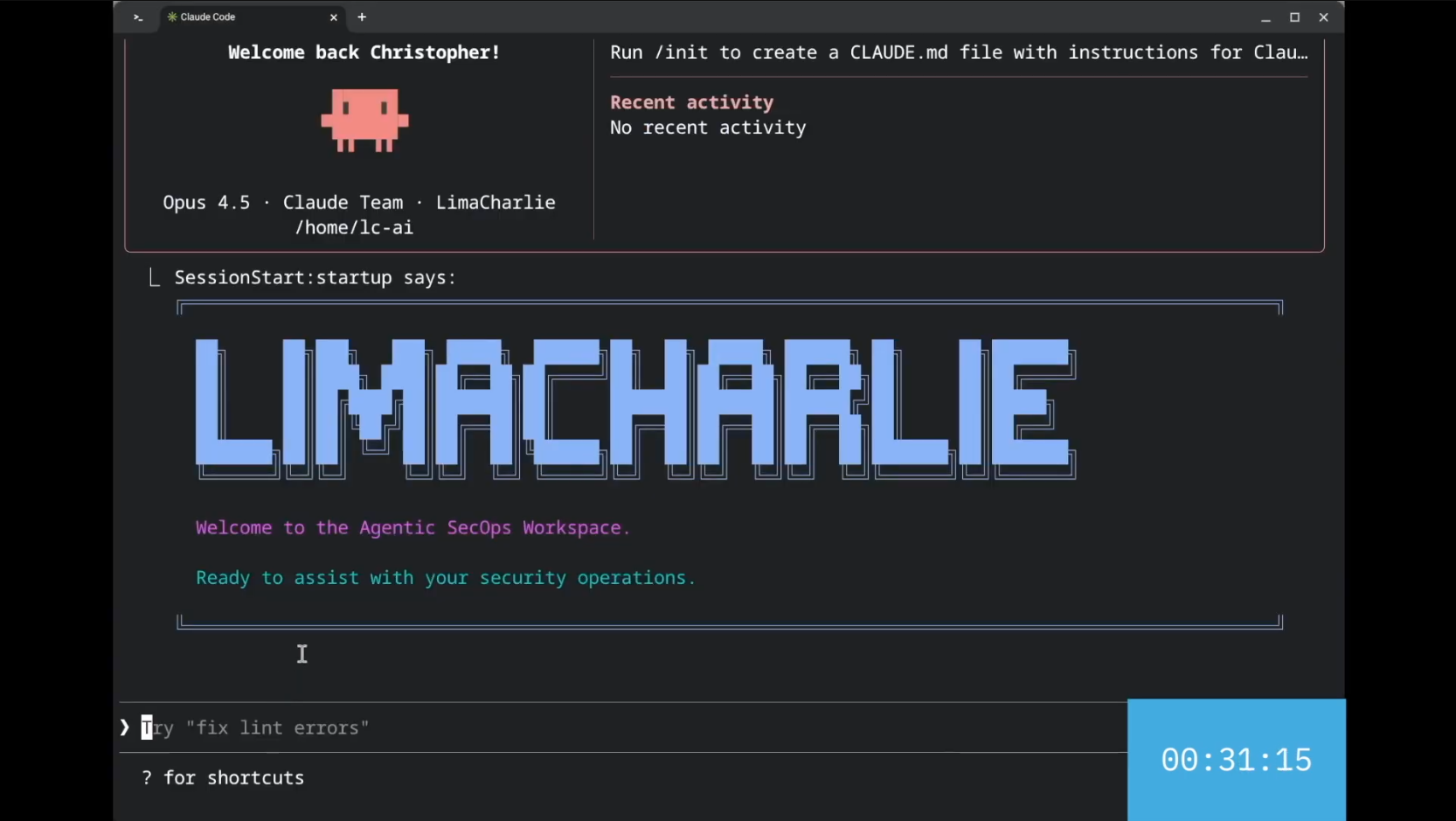
Installing the AgenticSecOps Workspace
From within a project directory:
# Add the marketplace
/plugin marketplace add https://github.com/refractionPOINT/lc-ai

# Install the plugin
/plugin install lc-essentials@lc-marketplaceClone this repository and add it as a local marketplace:
git clone https://github.com/refractionPOINT/lc-ai.git
cd your-project
/plugin marketplace add /path/to/lc-ai
/plugin install lc-essentials@lc-marketplaceUse the pre-configured Docker container with everything ready to go:
cd docker && docker compose run --rm lc-claudeSee the Docker section below for more details.
After installing the plugin:
- Restart the
claudetool - Run
/mcpand select the LimaCharlie MCP server - Authenticate using OAuth when prompted
For advanced configuration options, see the LimaCharlie MCP documentation.
Once installed, initialize any project with LimaCharlie guidelines:
/init-lcThen use natural language to interact with LimaCharlie:
- "List all sensors in my organization"
- "Create a detection rule for encoded PowerShell"
- "Investigate this detection and create an investigation record"
- "Get a health report for all my organizations"
See marketplace/plugins/lc-essentials/SKILLS_SUMMARY.md for a complete list of available skills.
.
├── .claude-plugin/              # Marketplace configuration
│   └── marketplace.json         # Marketplace definition
├── marketplace/                 # Claude Code marketplace
│   └── plugins/
│       └── lc-essentials/       # Main LimaCharlie plugin
│           ├── .claude-plugin/  # Plugin configuration
│           ├── agents/          # Sub-agent definitions
│           ├── commands/        # Slash commands
│           ├── scripts/         # Helper scripts
│           └── skills/          # Skill definitions
├── docker/                      # Docker container files
│   ├── Dockerfile               # Container definition
│   ├── docker-compose.yml       # Docker Compose configuration
│   └── entrypoint.sh            # Container entrypoint script
└── LICENSE                      # Apache 2.0 License
Pre-configured Claude Code environment with the lc-essentials plugin for LimaCharlie operations.
- Debian bookworm-slim base image
- Claude Code - Anthropic's official CLI
- lc-essentials plugin - Pre-configured via GitHub marketplace
- LimaCharlie Python SDK - For scripting and automation
- GitHub CLI (gh) - For PR/issue workflows
- Node.js LTS - For JavaScript-based tooling
- Common tools - git, jq, vim, nano, curl
cd docker && docker compose run --rm lc-claudecd docker && docker compose buildOn first run, authenticate with LimaCharlie:
/mcp
This opens your browser for OAuth authentication. Once approved, you're ready to use all LimaCharlie skills.
To work on a specific project directory:
cd docker && docker compose run --rm -v /path/to/your/project:/home/lc/project lc-claudeOr create a project/ directory inside the docker/ directory - it's automatically mounted.
The container mounts ~/.claude from your host to persist:
- Claude API credentials
- LimaCharlie OAuth tokens
- Plugin configuration
- Settings and preferences
This container uses host networking (network_mode: host) which is required for OAuth callbacks to work correctly. The OAuth flow opens a browser on your host machine and the callback needs to reach the container.
Once authenticated, you have access to 20+ LimaCharlie skills and 120+ API functions including:
- Sensor management and live investigation
- Detection & Response rule creation
- LCQL queries and historical data analysis
- AI-powered query and rule generation
- Threat report evaluation
- And more...
Run /help in Claude Code to explore available commands.
Thank you for your interest in contributing to LimaCharlie AI Integrations!
- Clone the repository:
git clone https://github.com/refractionPOINT/lc-ai.git
cd lc-ai- Add as a local marketplace in your project:
cd your-project
/plugin marketplace add /path/to/lc-ai
/plugin install lc-essentials@lc-marketplace- Find the relevant skill in
marketplace/plugins/lc-essentials/skills/ - Make your changes to the
SKILL.mdfile - Test locally by reinstalling the plugin
- Submit a pull request
- Create a new directory in
marketplace/plugins/lc-essentials/skills/ - Add a
SKILL.mdfile following the existing skill format - Update
SKILLS_SUMMARY.mdwith your new skill - Test the skill locally
- Submit a pull request
- Create a new markdown file in
marketplace/plugins/lc-essentials/agents/ - Follow the existing agent format
- Reference the agent in relevant skills
- Test locally and submit a pull request
- Focus: Keep PRs focused on a single topic or issue
- Testing: Test your changes locally before submitting
- Description: Provide a clear description of what changed and why
- Screenshots: Include screenshots for visual changes
- Links: Verify all internal links work correctly
Please be respectful and professional in all interactions. We're building tools to help the security community, and we appreciate your contributions!
- Join our Community Slack
- Email support@limacharlie.io
- Open an issue on GitHub
This project is licensed under the Apache 2.0 License - see the LICENSE file for details.