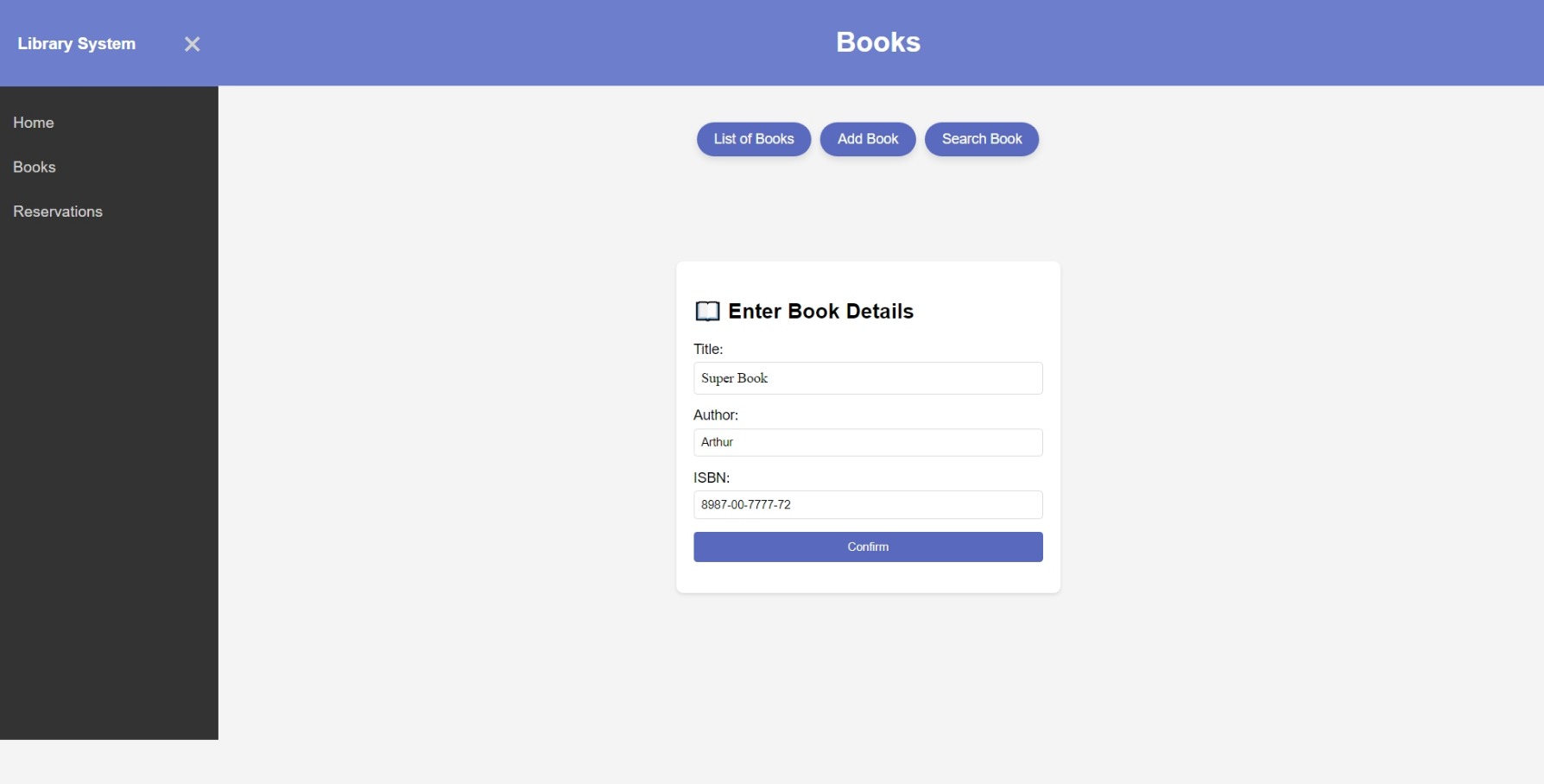
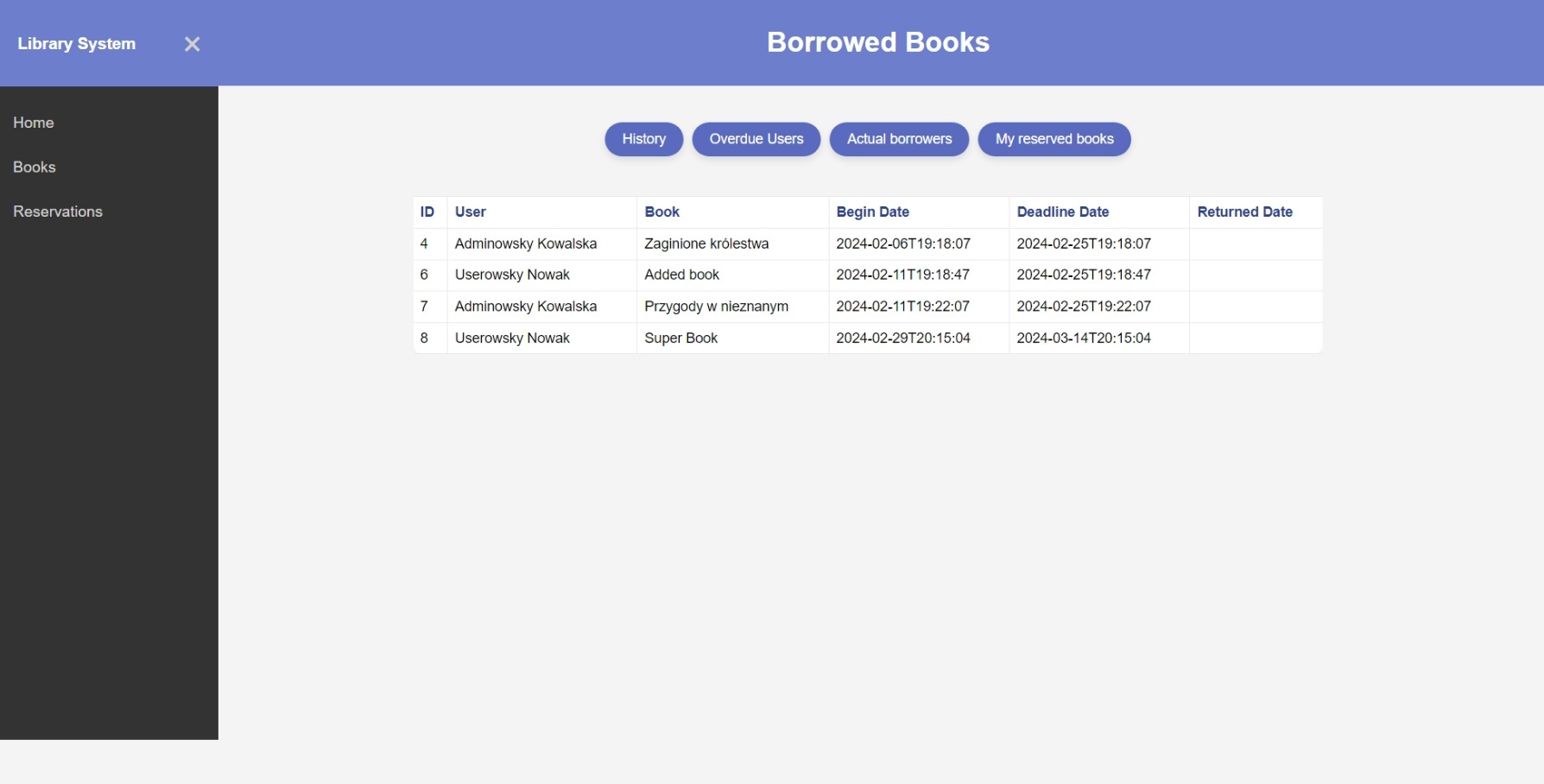
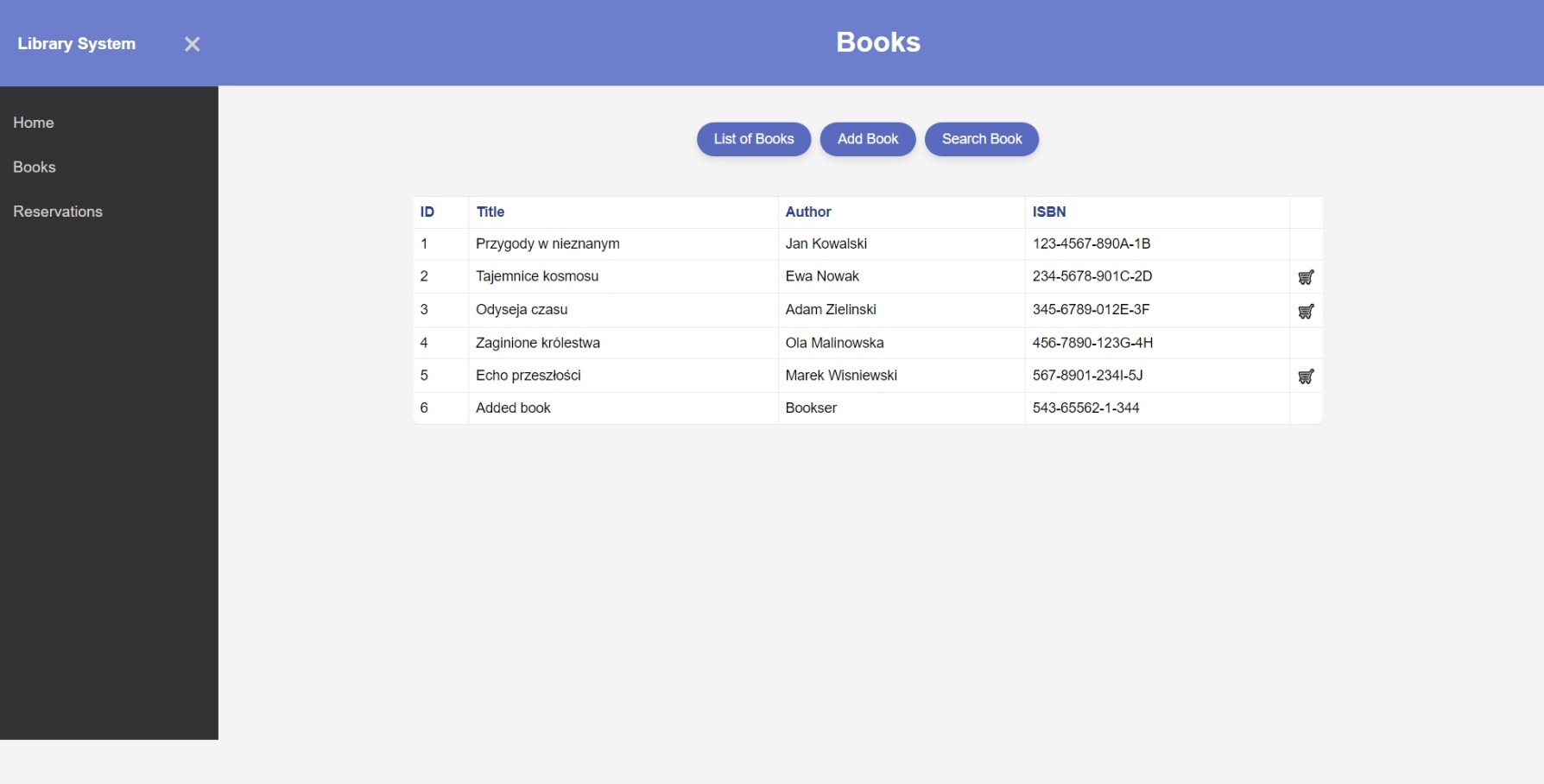
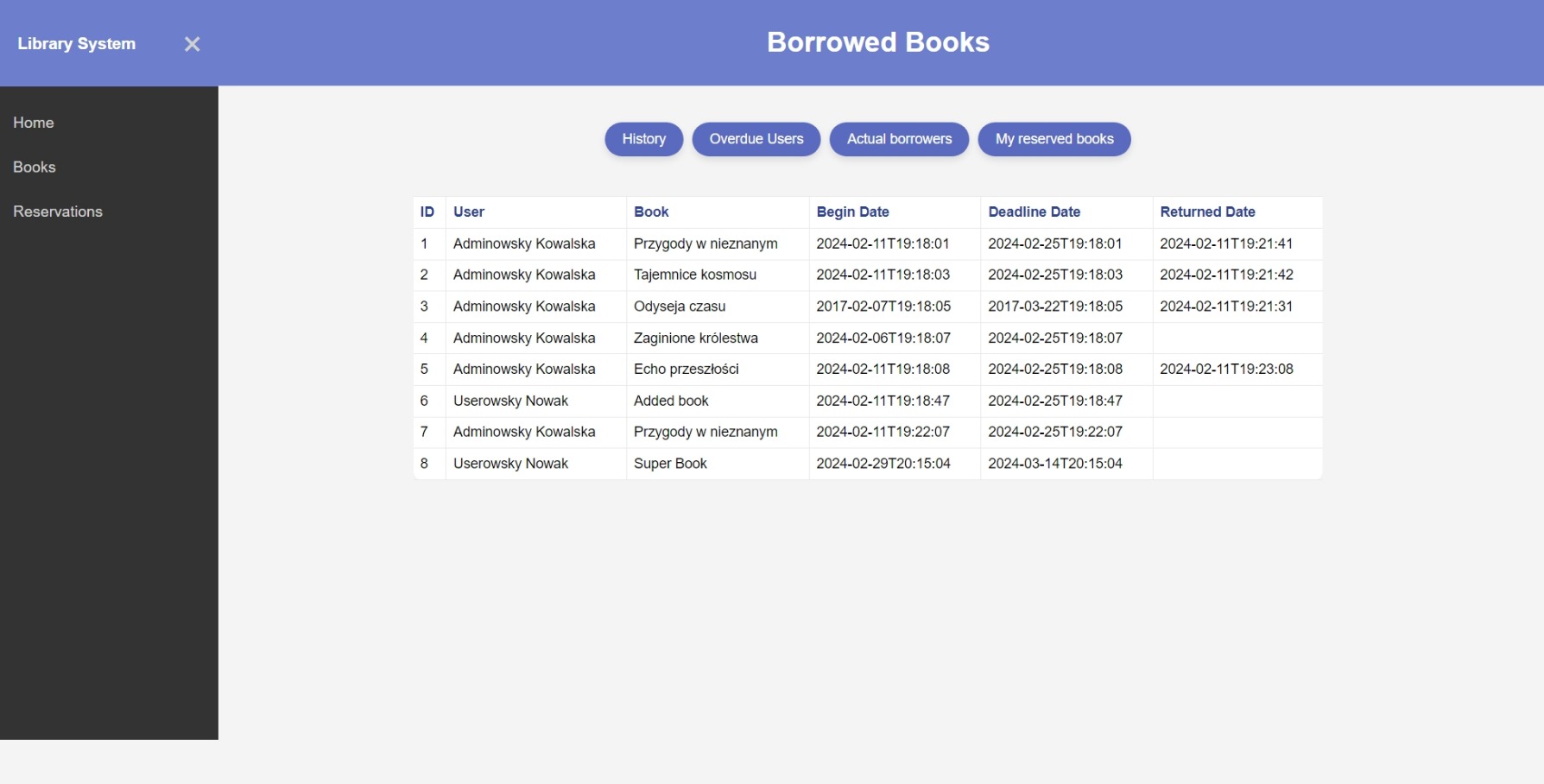
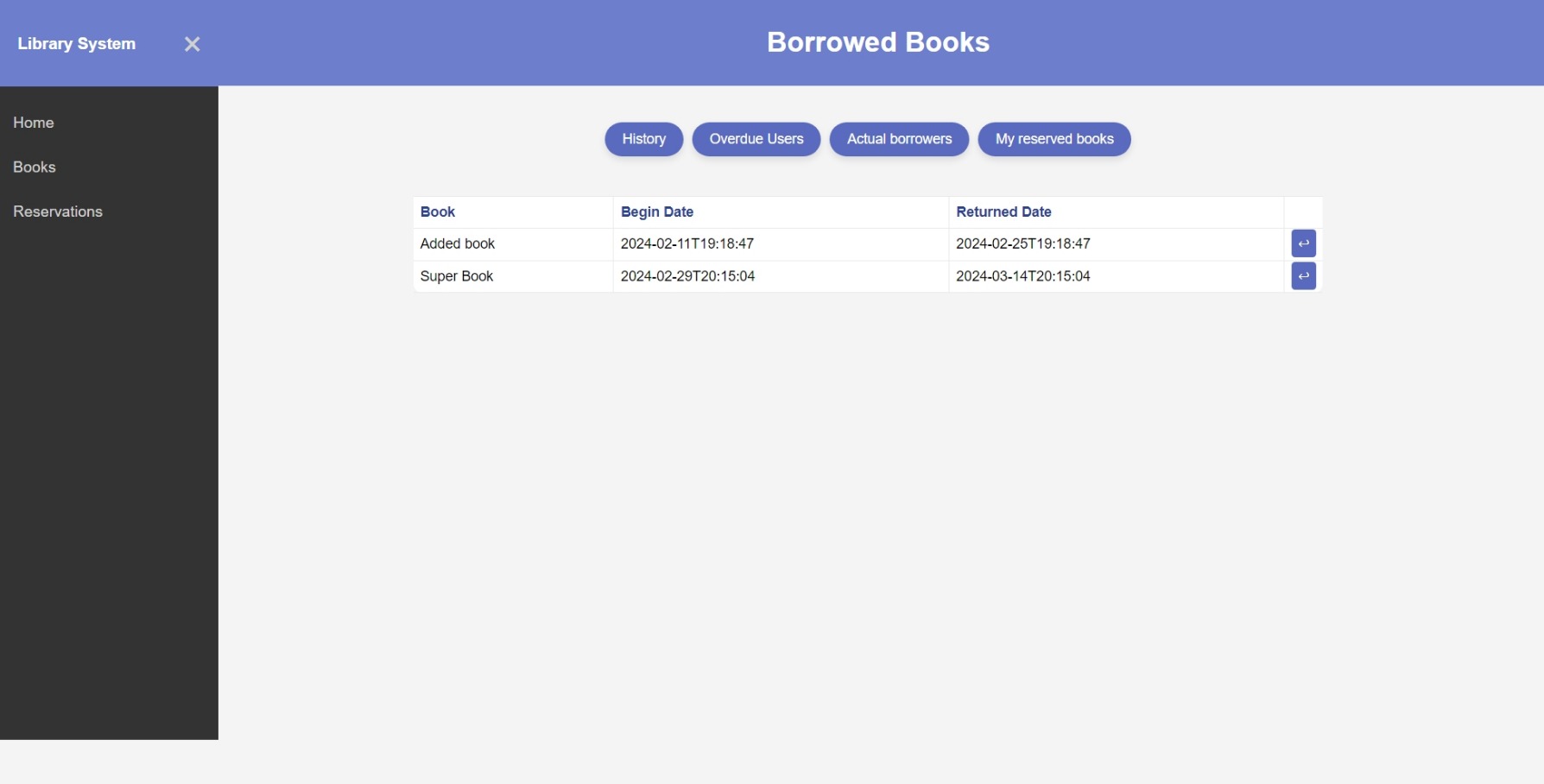
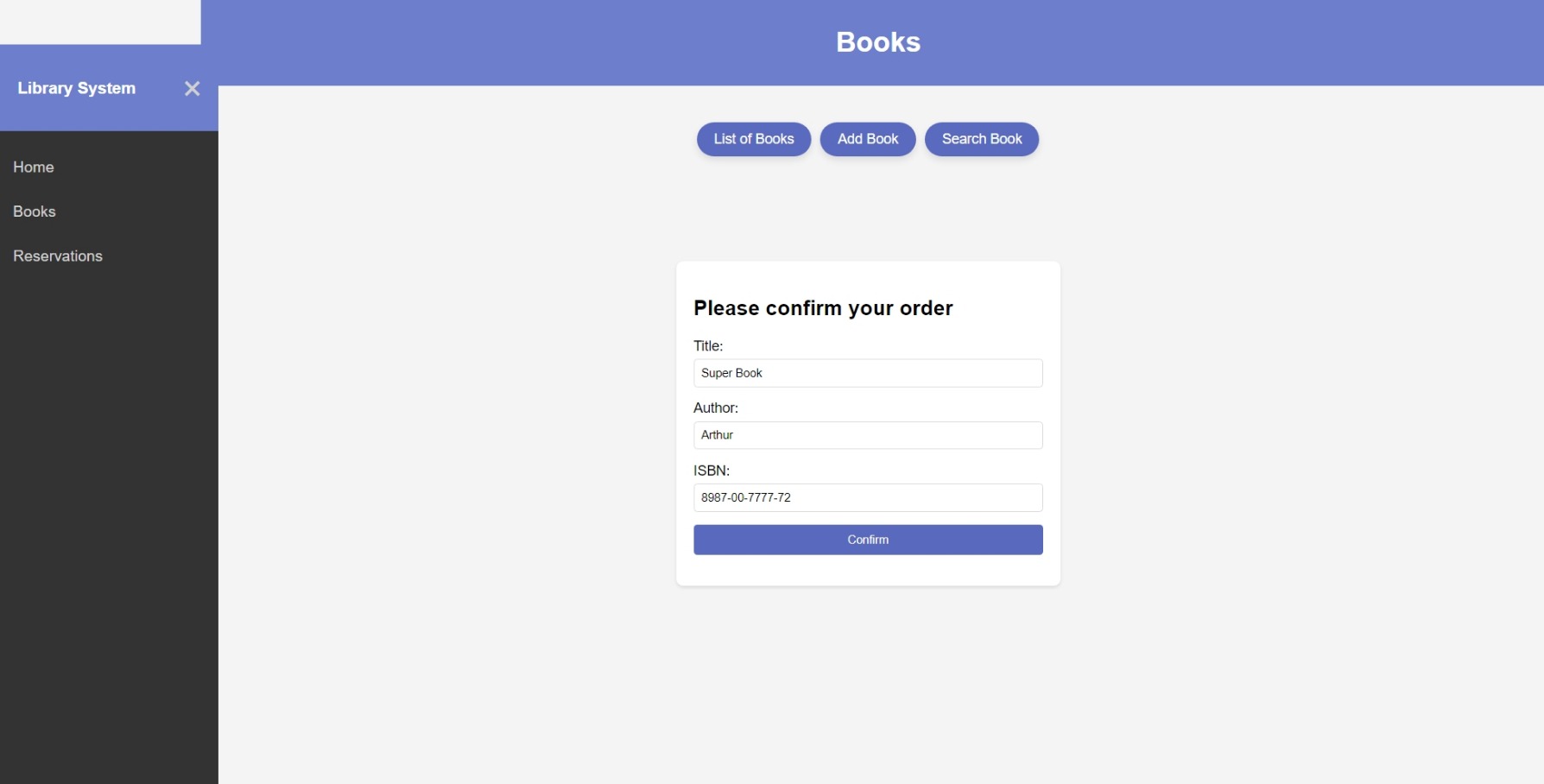
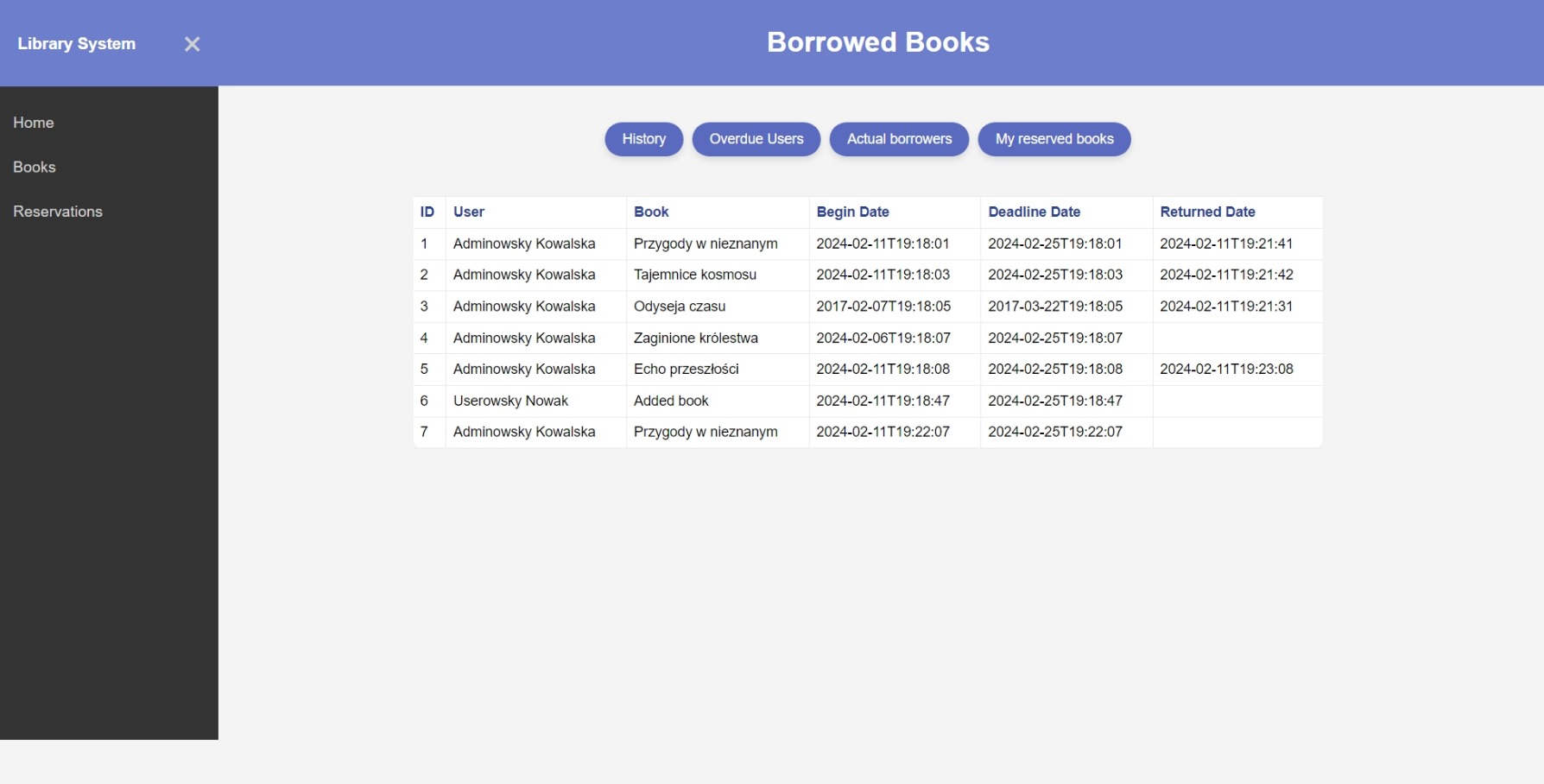
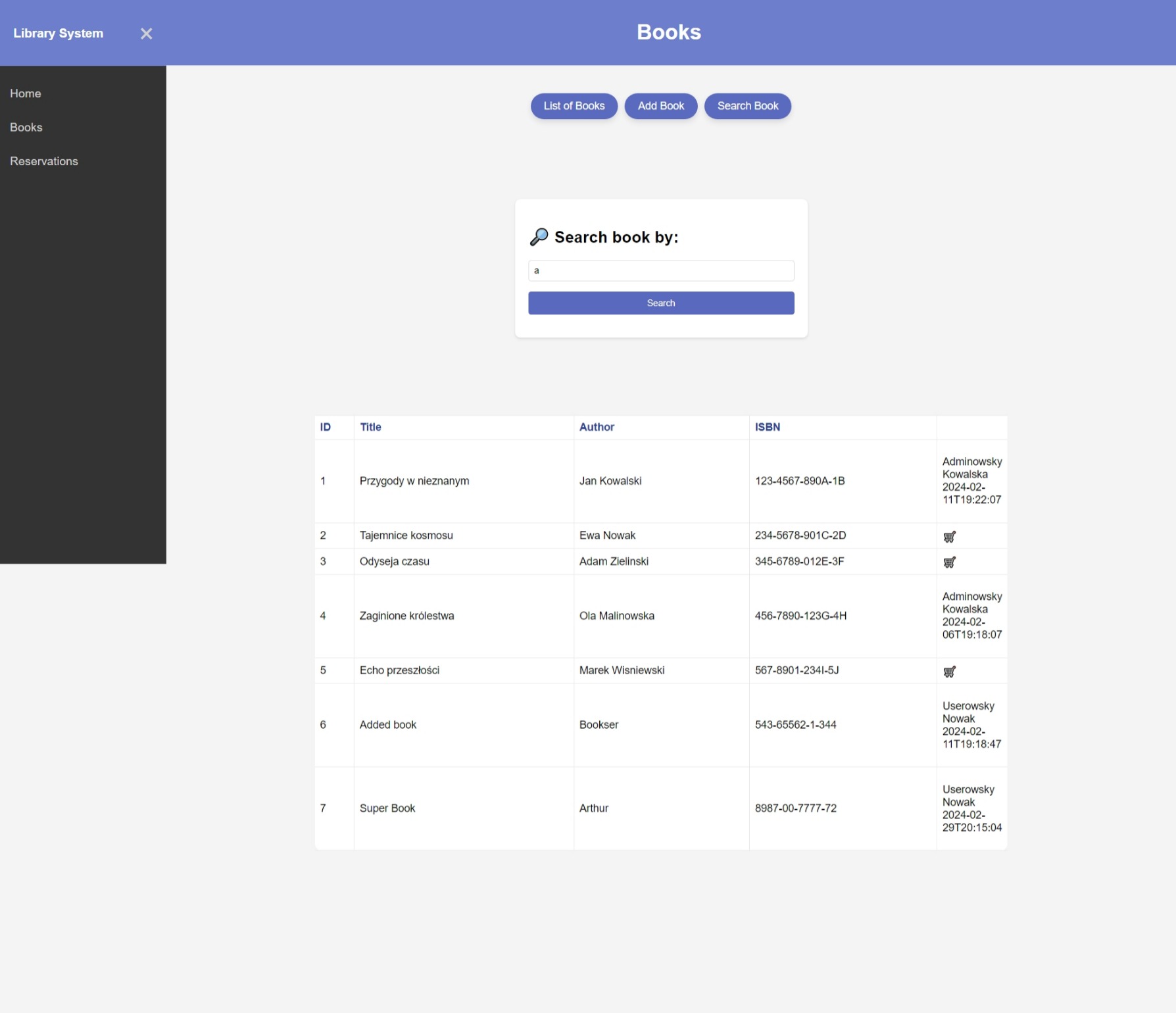
The library application is developed in Java 17 using Spring Boot, Thymeleaf, and Hibernate. It is a system enabling simple user login with a username and password. Once logged in, users can make reservations, add new books to the database, search for books, and check who currently possesses a particular book or view the borrowing history.
- Java 17
- Spring Boot
- Thymeleaf
- Hibernate
- Clone the repository to your local machine:
git clone https://github.com/your-repository-name.git - Run the application using Maven:
mvn spring-boot:run - The application will be accessible at
http://localhost:8080.
The application uses H2 in-memory database by default. To change the database configuration, edit the application.properties file located in the src/main/resources folder.
Sample configuration for MySQL database:
spring.datasource.url=jdbc:mysql://localhost:3306/database_name spring.datasource.username=username spring.datasource.password=password spring.datasource.driver-class-name=com.mysql.cj.jdbc.Driver spring.jpa.database-platform=org.hibernate.dialect.MySQLDialect spring.jpa.hibernate.ddl-auto=update
- Login: Users can log in to the system using their username and password.
- Book Reservation: Logged-in users can reserve available books.
- Adding Books: Administrators can add new books to the database.
- Book Search: Users can search for books by title, author, or category.
- Checking Book Status: Users can check who currently possesses a specific book.
- Borrowing History: Users can view the borrowing history of books.
Below are some screenshots depicting different aspects of the application: