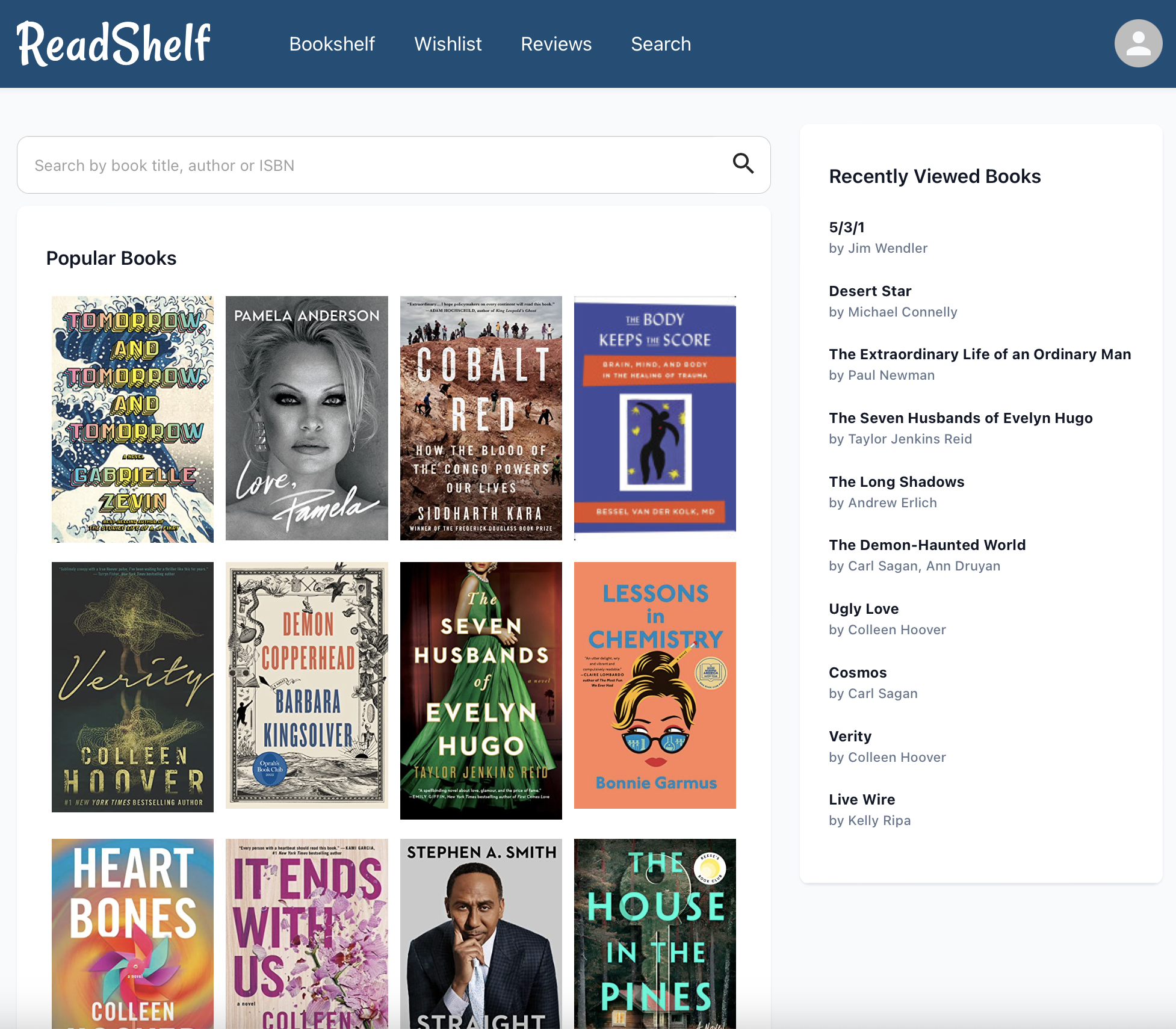
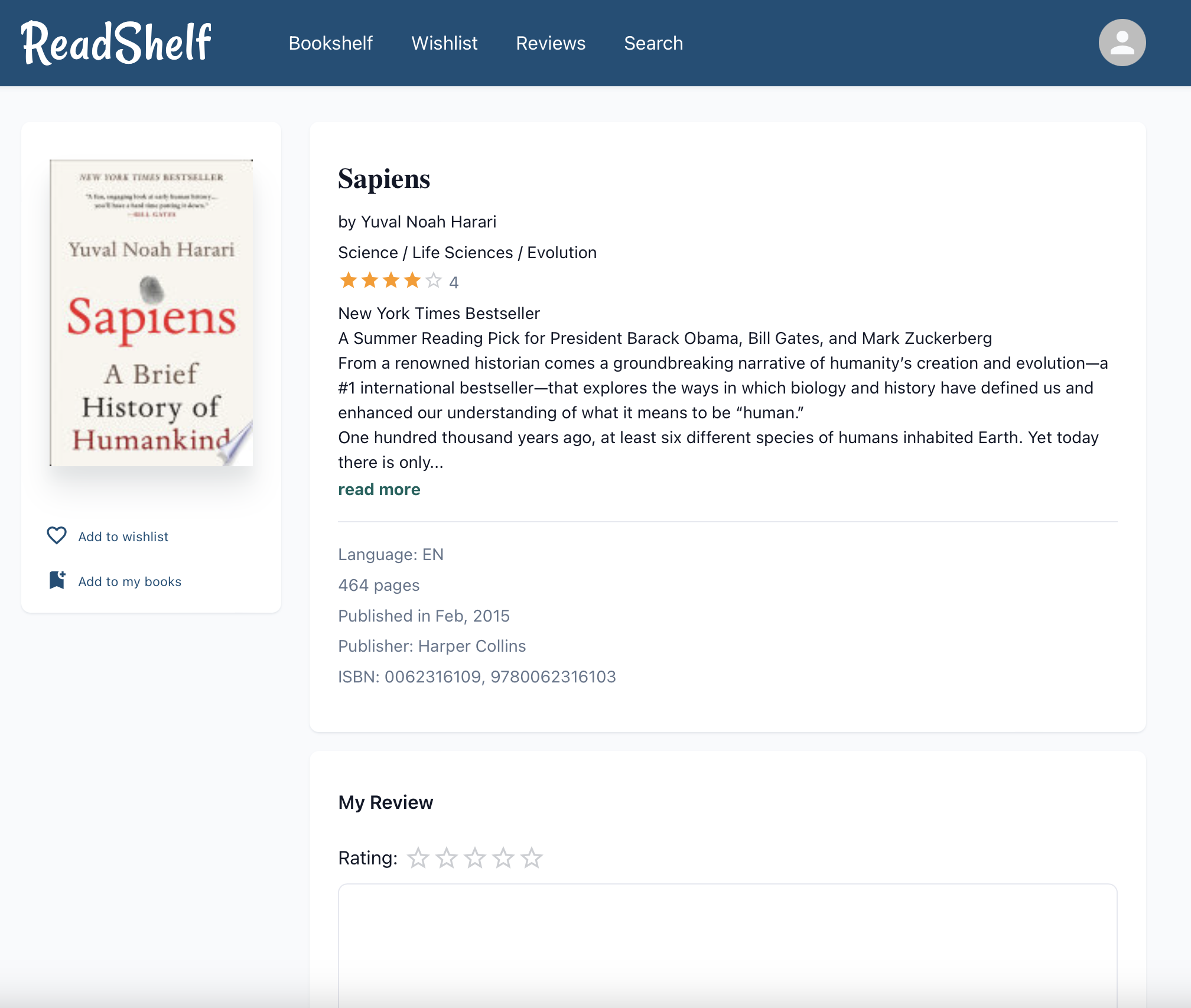
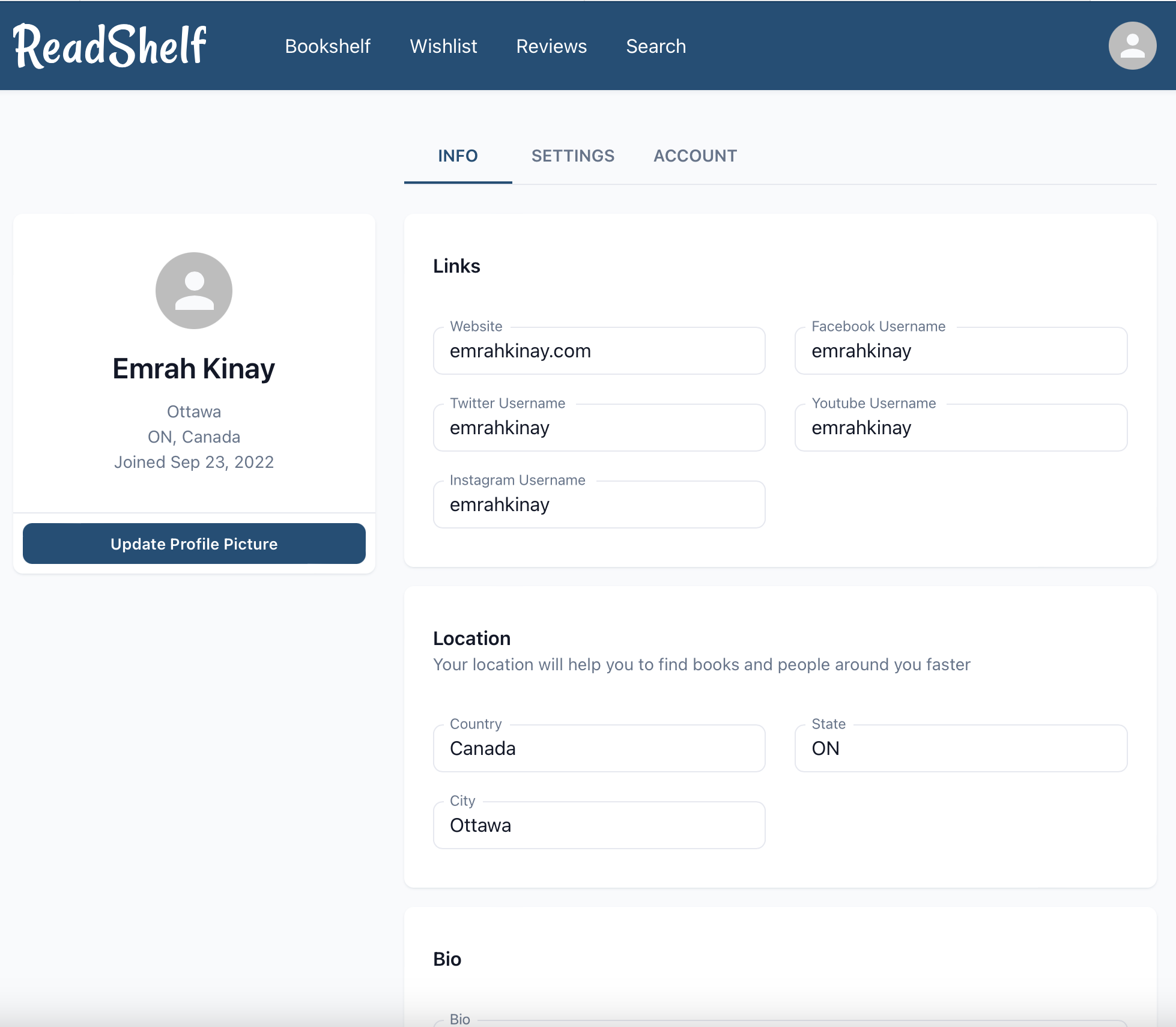
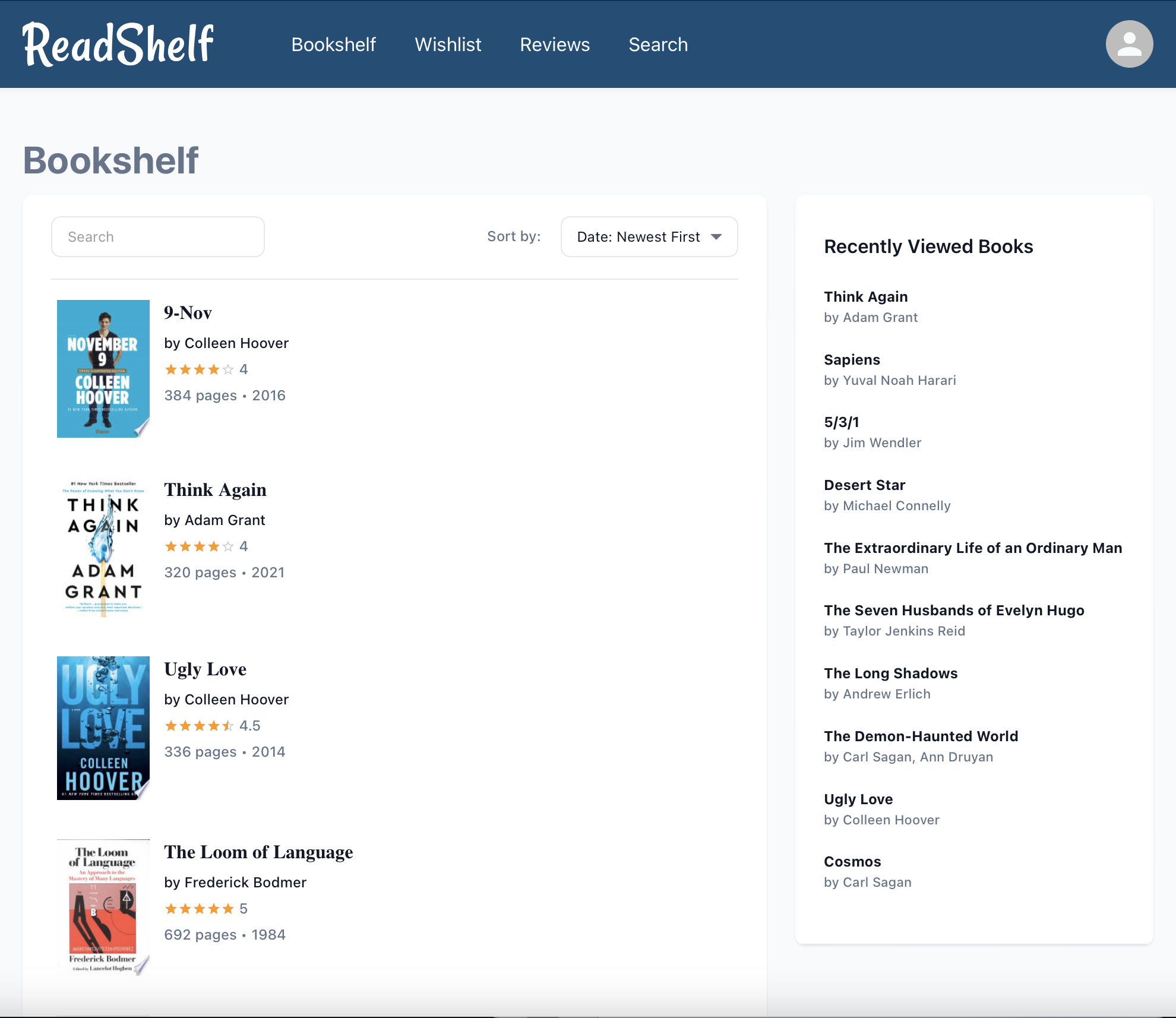
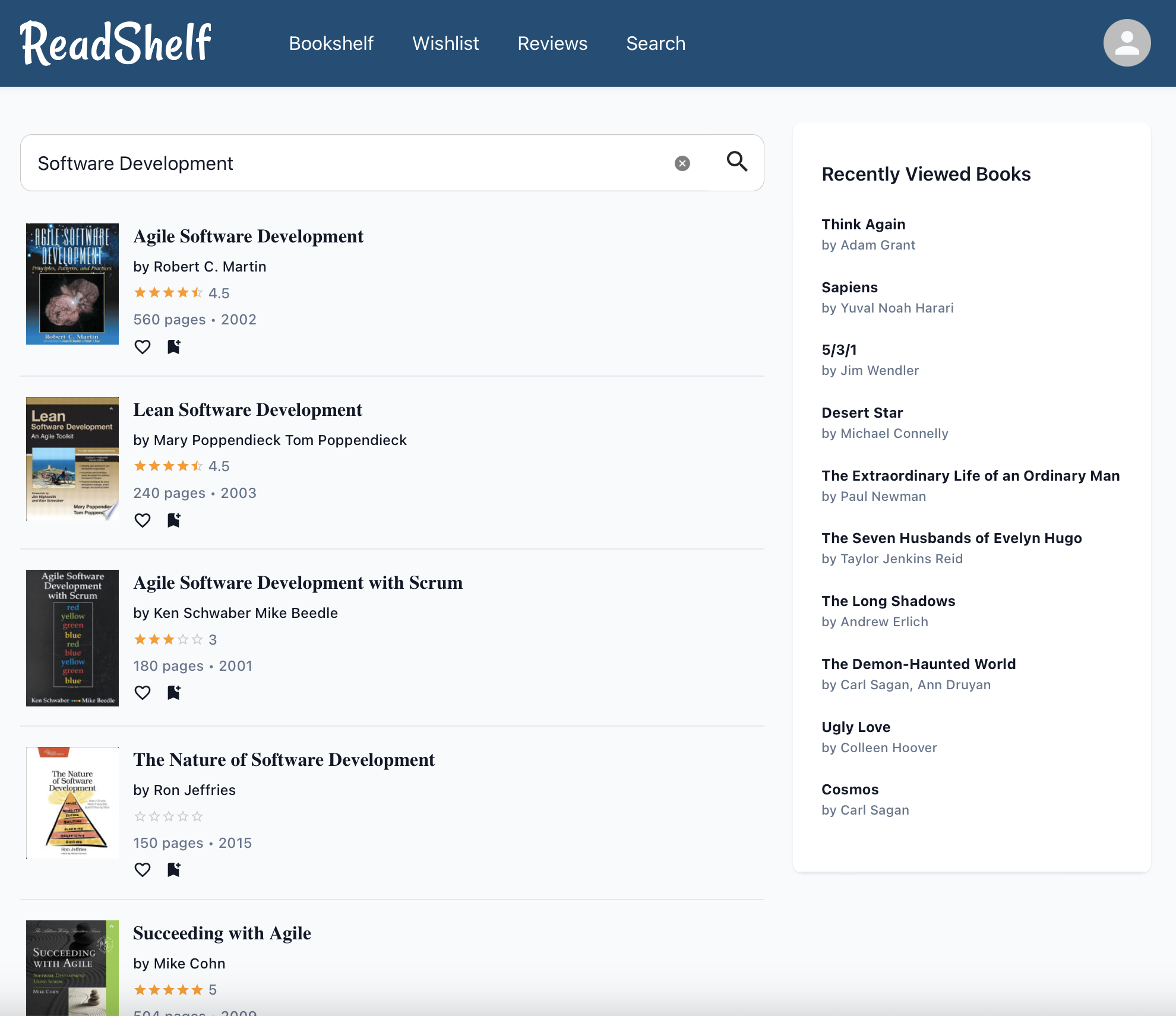
ReadShelf helps you organize your readings, find new books, save books to your wishlist, leave reviews and read other users' reviews. ReadShelf's simplistic and easy-to-use design provides a great user experience.
ReadSheld is a MERN Stack project. I have developed ReadShelf from scratch to improve my React.js and NodeJS skills. There are still some issues and I will continue to contribute to the project.
Plese visit the deployed version of the project on my website https://emrahkinay.com/apps/readshelf .
- User authentication via JSON Web Token
- Google OAuth2 Authorization
- Email Verification, Resetting Password via Email, etc.
- API Security (JWT, Blocking Query Injection, Request Limiting, File Upload Limiting)
- Responsove Web Design
- React.js
- NodeJS
- Express.js
- MongoDB Atlas
- REST API
- Redux
- SendGrid
- Google Books
- Google OAuth2
- Material UI
Please follow the instructions below to get started with the Read Shelf project.
- NodeJS
v14.16.1or newer version - npm
npm install npm@latest -g
ReadShelf project uses Google Books for searchinng and displaying books, Google OAuth2 for authentication, New York Times Bestseller lists for popular books, MongoDB Atlas for storing data and SendGrid for sending emails
- Get Google Books API Key at https://cloud.google.com
- Get Google OAuth API Key at https://developers.google.com/identity/protocols/oauth2
- Get New York Times API Key at https://developer.nytimes.com/apis
- Get Mongo Atlas URI at https://www.mongodb.com/atlas
- Get SendGrid API Key at https://sendgrid.com
- Clone the repo
git clone https://github.com/simulacrumus/readshelf.git
- Install NPM packages
npm install cd client npm install - Enter your keys in
.envfileMONGO_ATLAS_URI=<YOUR MONGO OR MONGO ATLAS URI URI> JWT_SECRET=<YOUR JSON WEB TOKEN SECRET STRING> GOOGLE_BOOKS_API_KEY=<YOUR GOOGLE BOOKS API KEY> GOOGLE_CLIENT_ID=<YOUR GOOGLE CLIENT ID> GOOGLE_CLIENT_SECRET=<YOUR GOOGLE CLIENT SECRET> SENDGRID_API_KEY=<YOUR SENDGRID API KEY> SENDGRID_SENDER_EMAIL_ADDRESS=<YOUR SENDGRID SENDER EMAIL ADDRESS> GOOGLE_ANALYTICS_MEASUREMENT_ID=<YOUR GOOGLE ANALYTICS MEASUREMENT ID> NYTIMES_API_KEY=<YOUR NEW YOUR TIMES API KEY> NYTIMES_API_SECRET=<YOUR NEW YORK TIMES API SECRET> - Run Node.js Server
npm start
- Run React App
cd client
npm start
Emrah Kinay - @emrahkinay
Project Link: https://github.com/simulacrumus/readshelf
Demo Link: https://emrahkinay.com/apps/readshelf