
| Car → Police | Car → Sketch |
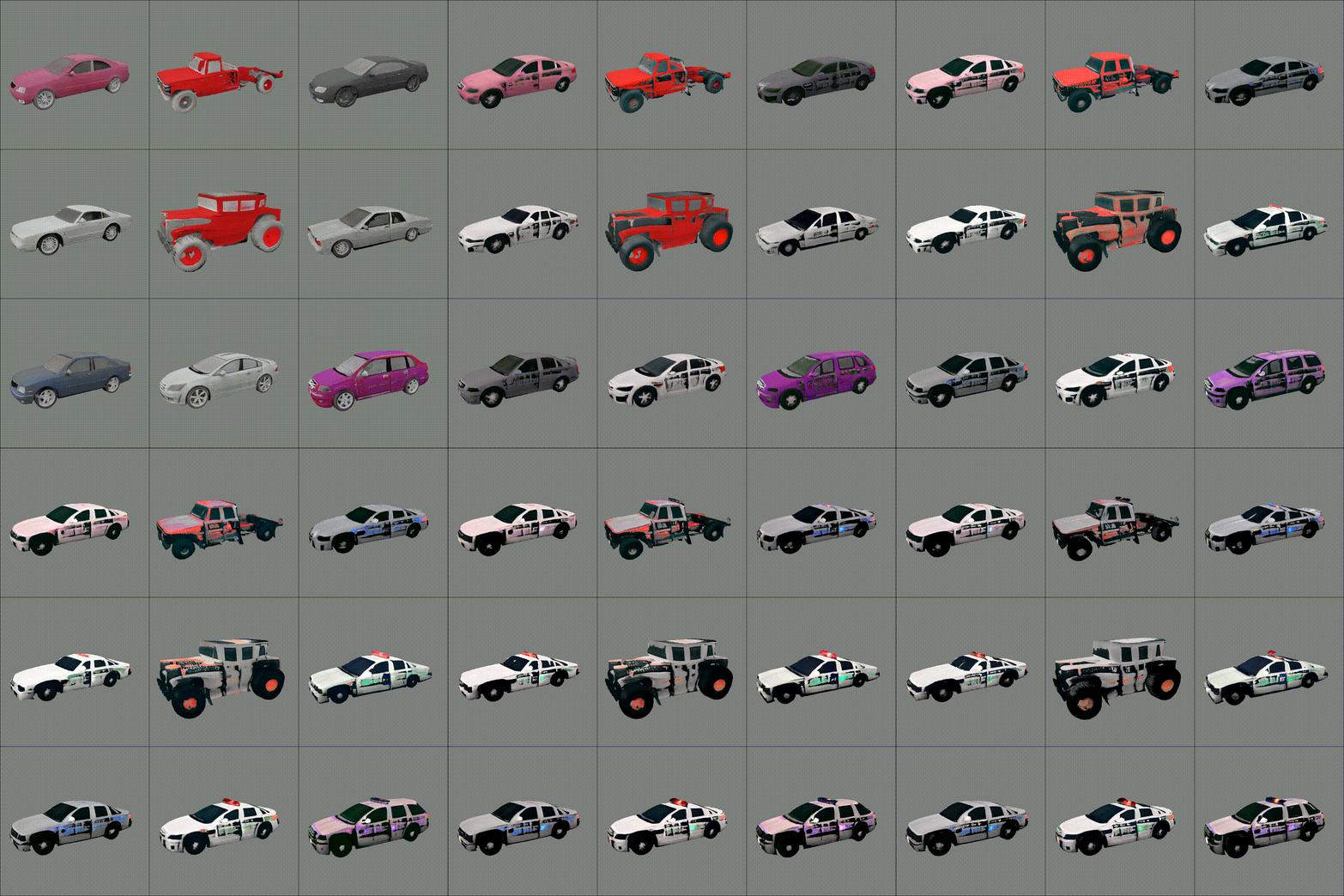 |
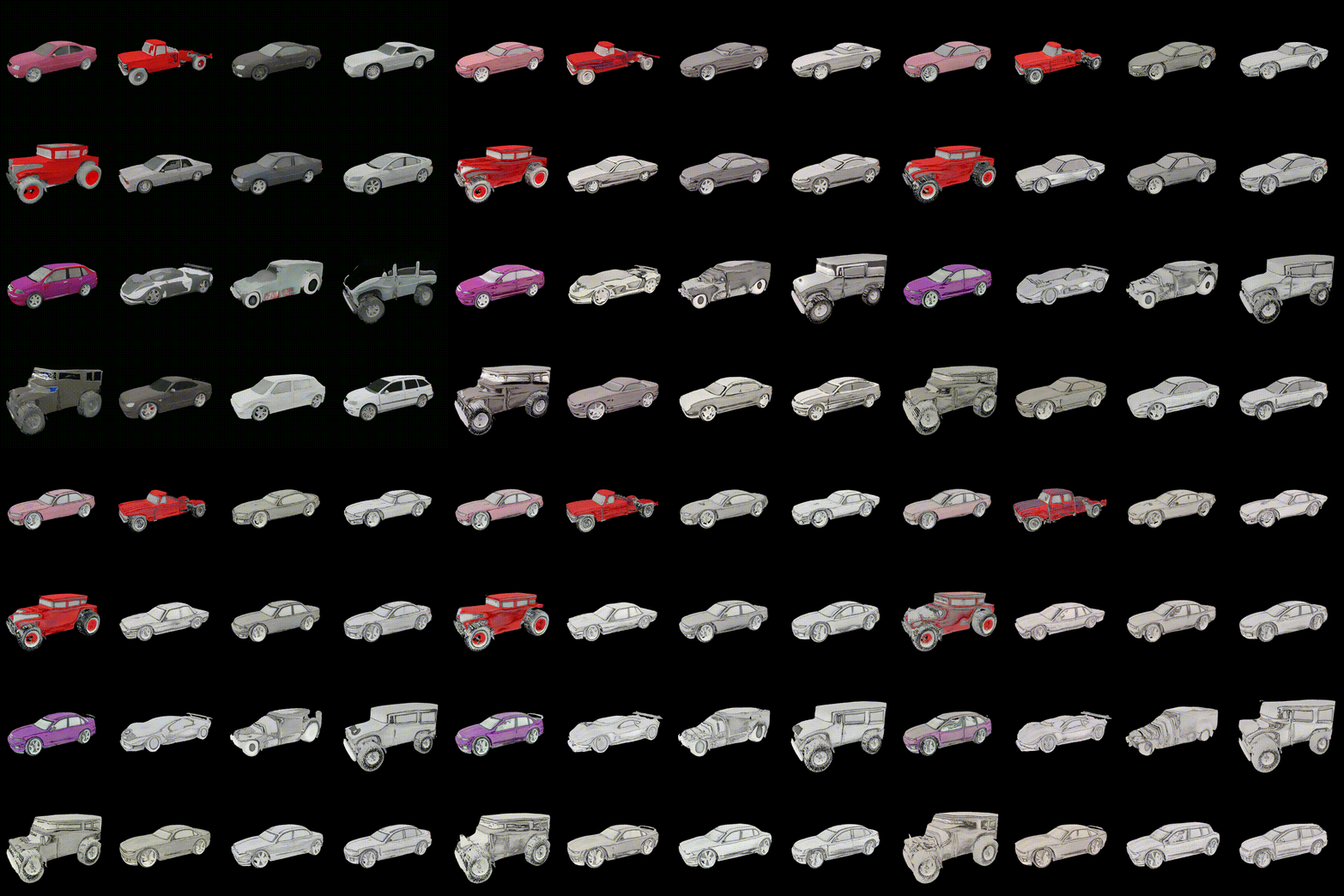 |
| Motorbike → Tiger | Shoe → Mossy |
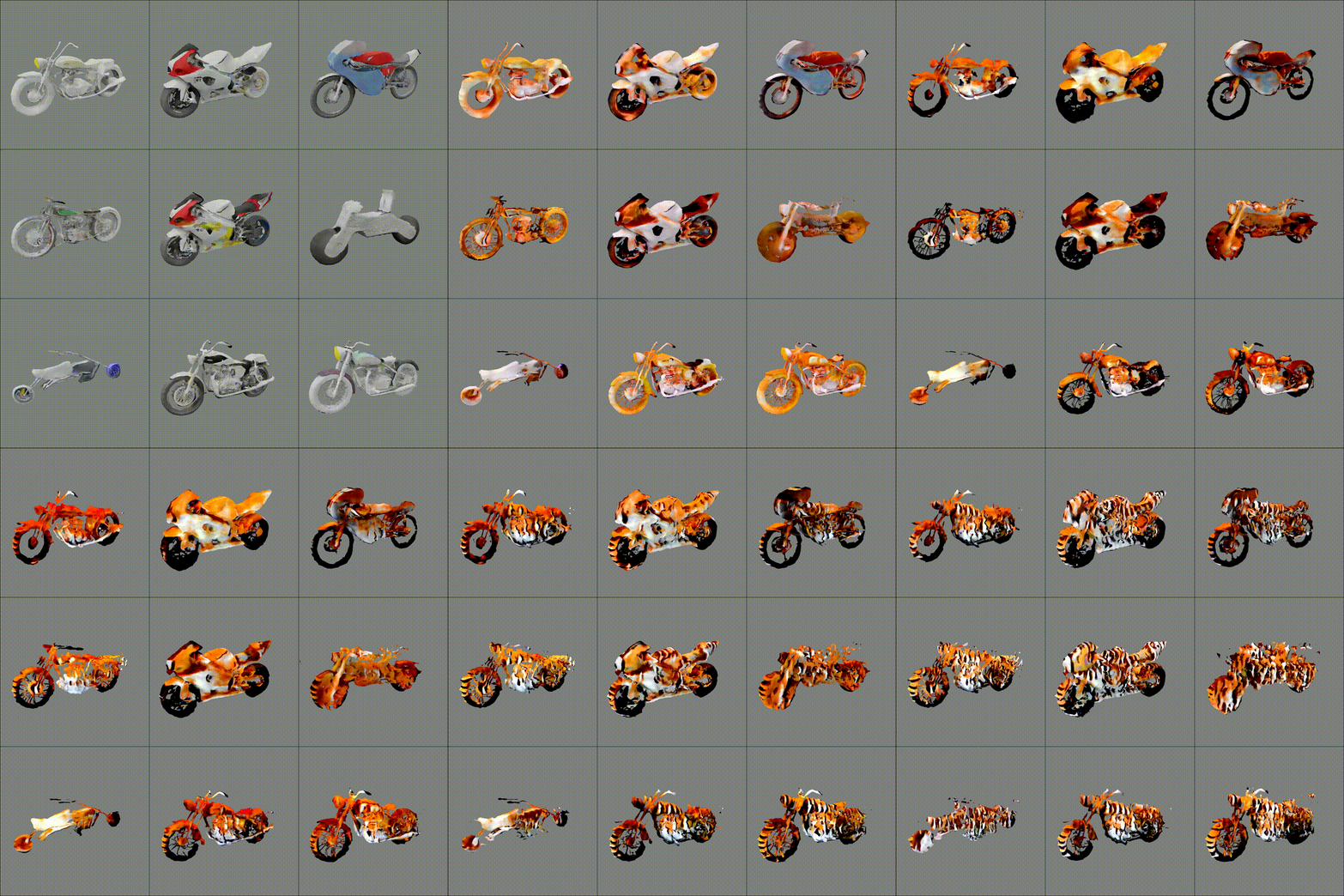 |
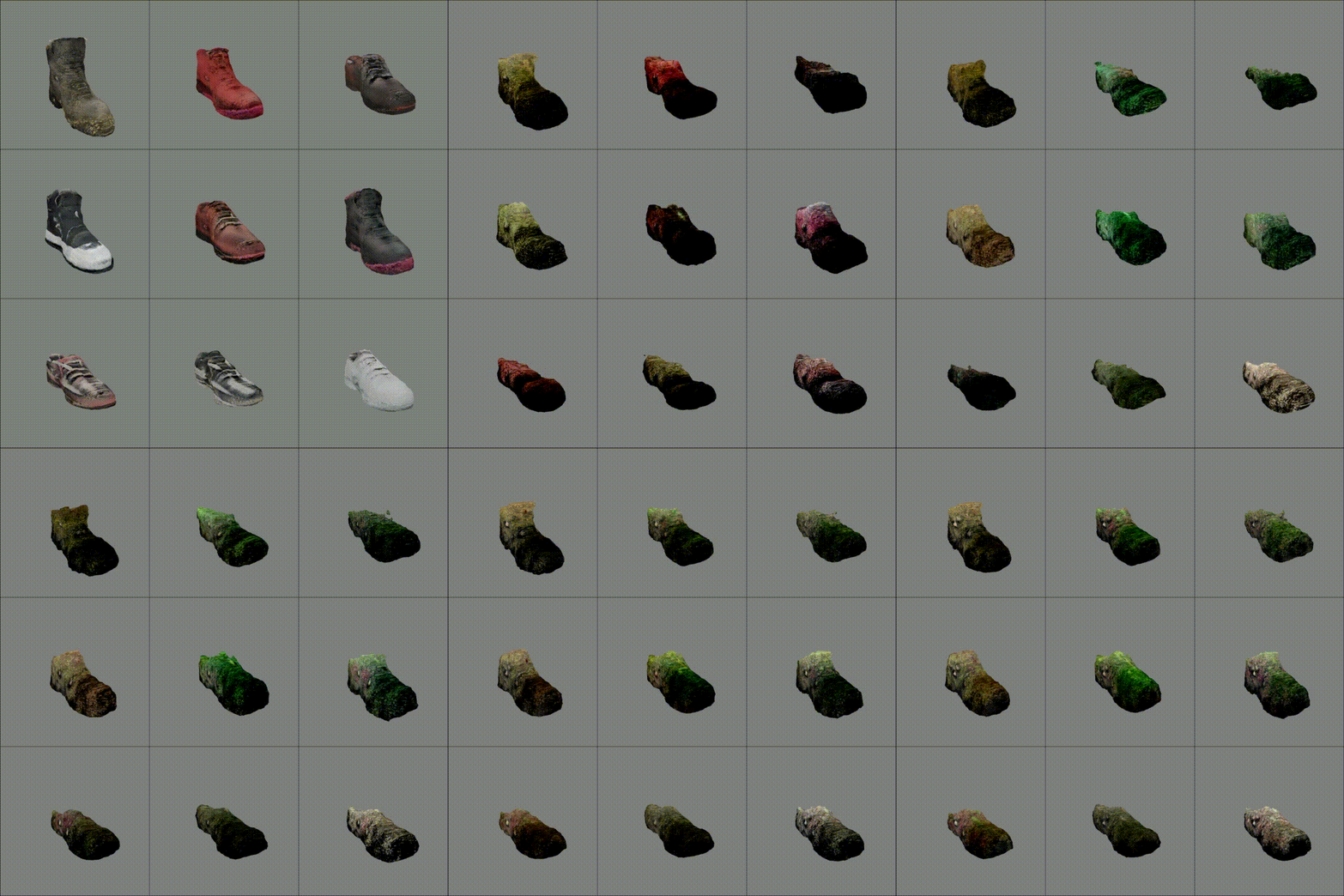 |
2nd YAI-Con: Studio YAIVerse Team's mobile frontend repository
- For help getting started with Flutter development, view the online documentation, which offers tutorials, samples, guidance on mobile development, and a full API reference.
- To install, follow the instructions at link.
- Install latest version of Flutter SDK, and add Flutter to your
PATH, refer to the link above. - Clone this repo and change directory to the repo root.
git clone https://github.com/studio-YAIVERSE/Frontend Studio-YAIVERSE-Frontend cd Studio-YAIVERSE-Frontend - Assure if Flutter is installed, and install dependencies.
flutter doctor # to check if Flutter is successfully installed flutter pub get - Run the app with a development runtime, on a connected device or emulator.
flutter devices # to check if a device is connected flutter run - (Optional) Build a release version of the app.
flutter build apk  # to build an APK file
flutter build ios  # to build an iOS app